Uploading
Who can do it
Owners and crew members.
1. Uploading
Each photo uploads on its own, with its progress shown on the photo. Photos that haven't uploaded yet are kept on the phone for 24 hours, and a failed upload can be retried.
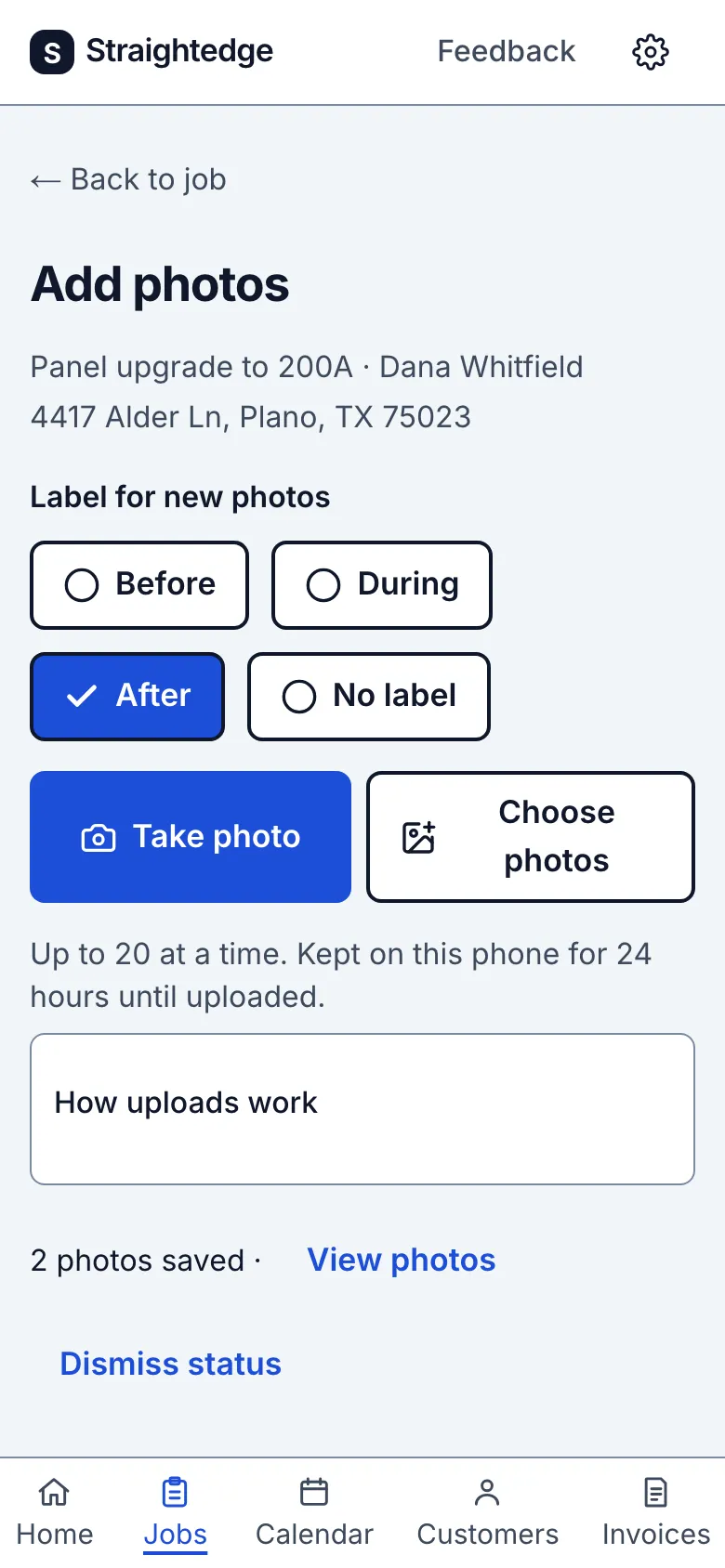
_Screens show a demo business with sample job photos._
Limits
- Uploads only run while Straightedge is open, never in the background. Keep it on screen until the photos say they're saved. Signing out removes photos that haven't uploaded yet.
- Does it work without signal? Not fully. It needs a connection to save. A half-finished form is kept in that browser tab, and photos wait on the phone for 24 hours, but nothing is in your account until you're back online.
- Each business has a photo storage limit. When the account is nearly full, the photos screen says so. Removing photos frees space, though it can take a couple of hours to show.
Still stuck? Email support@getstraightedge.com