The job's photos
Who can do it
Owners and crew members.
1. The job's photos
The job's photo gallery shows every photo from every visit, and filters by label. Tap one to see it full screen. From there you can Download the full-resolution copy, Edit details, or Remove photo.
The owner can remove any photo. A crew member can remove their own photo for 10 minutes after saving it; after that, they ask the owner.
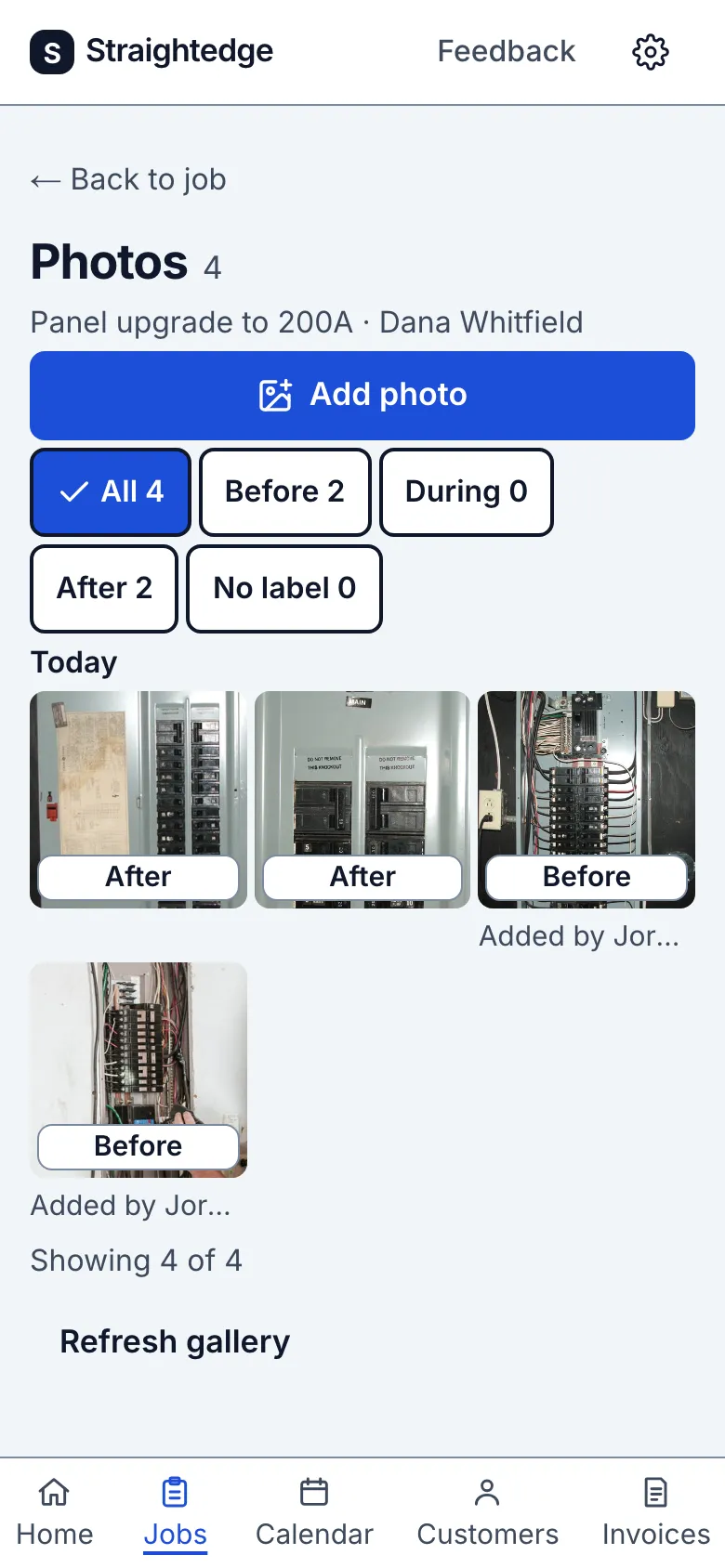
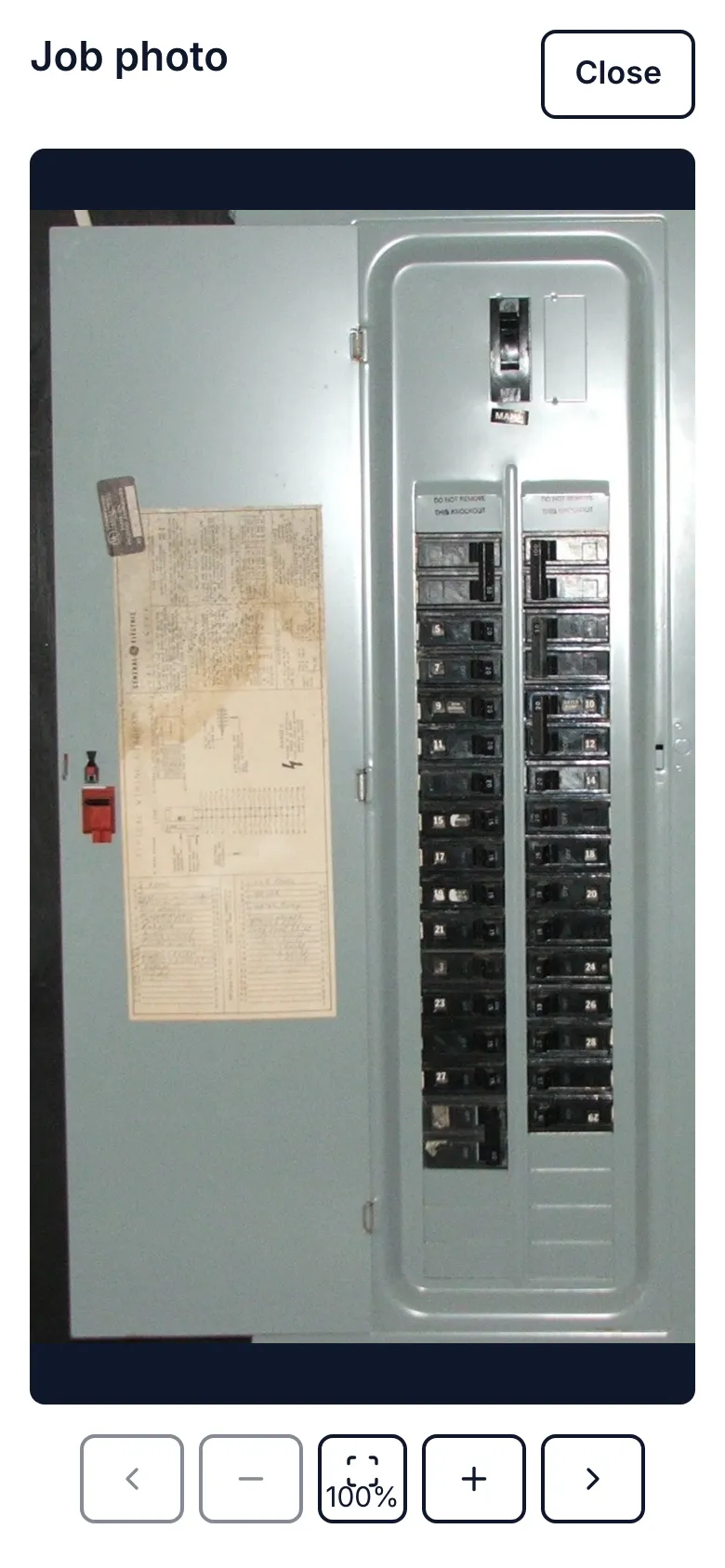
_Screens show a demo business with sample job photos._
Limits
- Photos appear on an estimate or invoice link only when you choose them for that document (Add photos to an estimate or invoice). Downloading one saves a copy to your phone; it doesn't send it to anyone.
Still stuck? Email support@getstraightedge.com