Pick the invoice line item
Who can do it
Owners.
1. Pick the Service item
On connected QuickBooks settings, choose QuickBooks item for invoice lines and tap Save. Ask your bookkeeper which Service item and income account to use. Every invoice line keeps its own description.
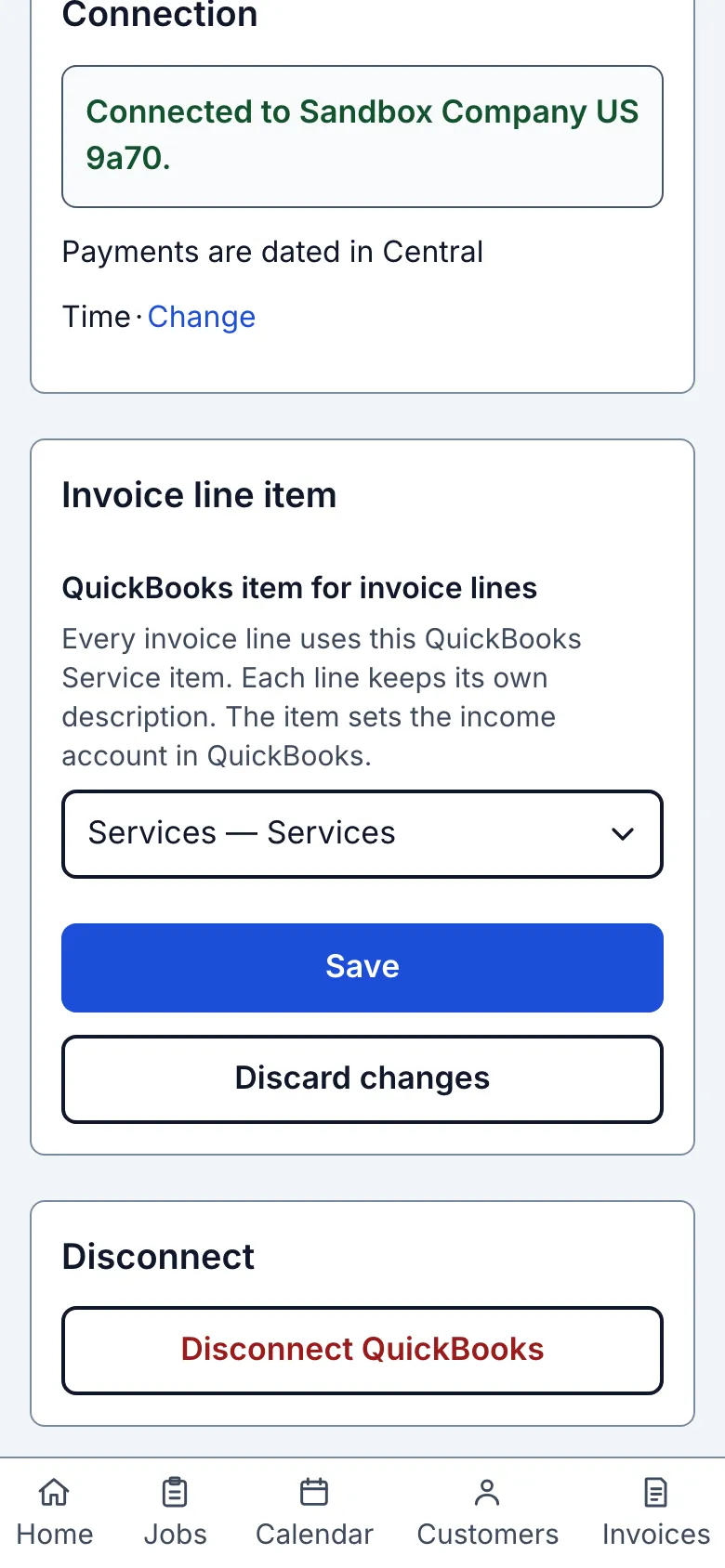
What you see after
The page says Invoice item saved.
Limits
One Service item is used for all invoice lines; this picker does not maintain separate items per line. If there are no active Service items, create or reactivate one in QuickBooks and reload.
When it goes wrong
If saving fails, the page says "Invoice item wasn't saved. Try again." Check the selected item and use Save again.
Still stuck? Email support@getstraightedge.com