Use Home and First steps
Who can do it
Owners.
1. Start the first job
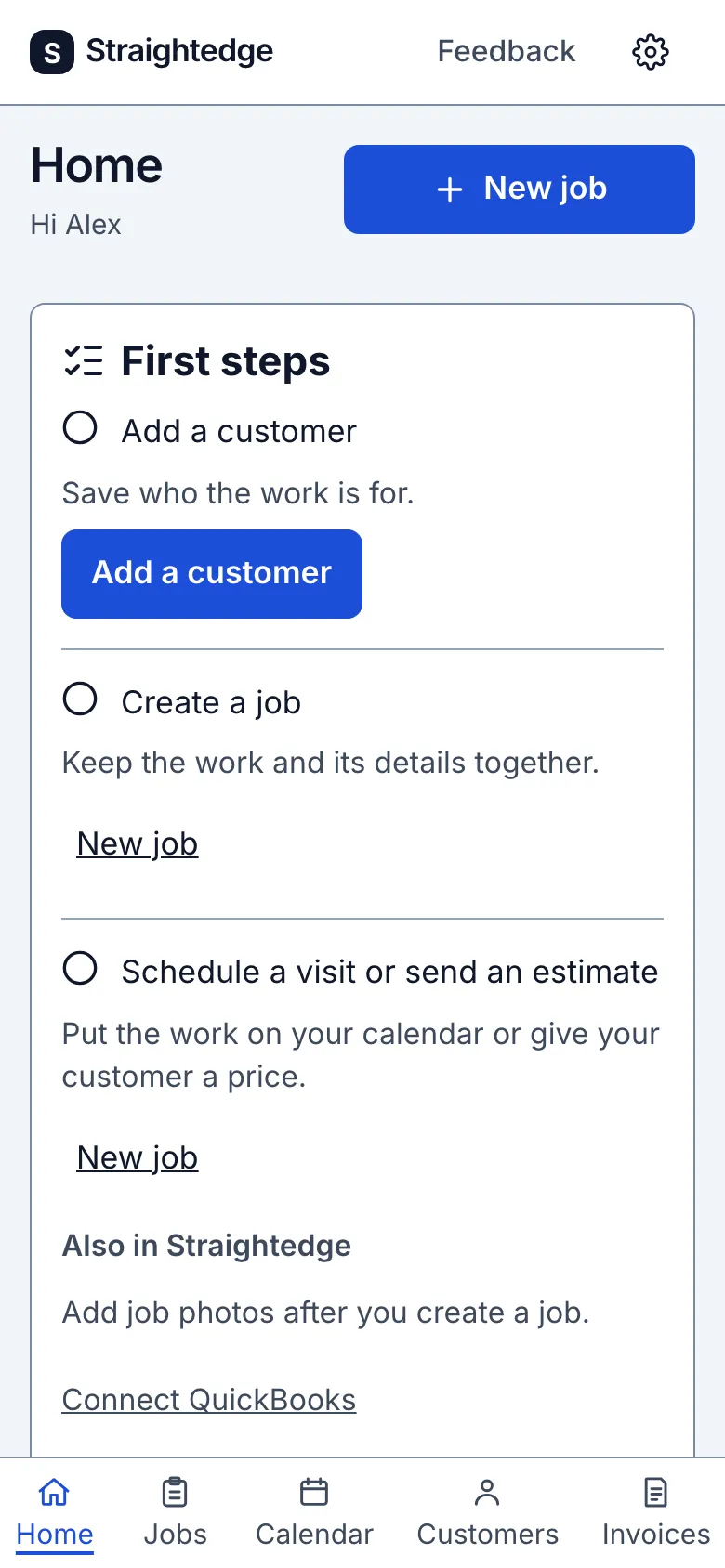
On Home, the First steps card guides you to add a customer, create a job, then schedule a visit or send an estimate. Use Add a customer for the first task; as work is saved, the card offers a new job, then a visit or estimate.
2. Hide or restore the card
Tap Hide first steps when you no longer want the card. A notice says First steps hidden. with Undo to bring the card straight back. While setup is incomplete, the gear's Settings page shows First steps · Hidden and Show first steps to restore it.
What you see after
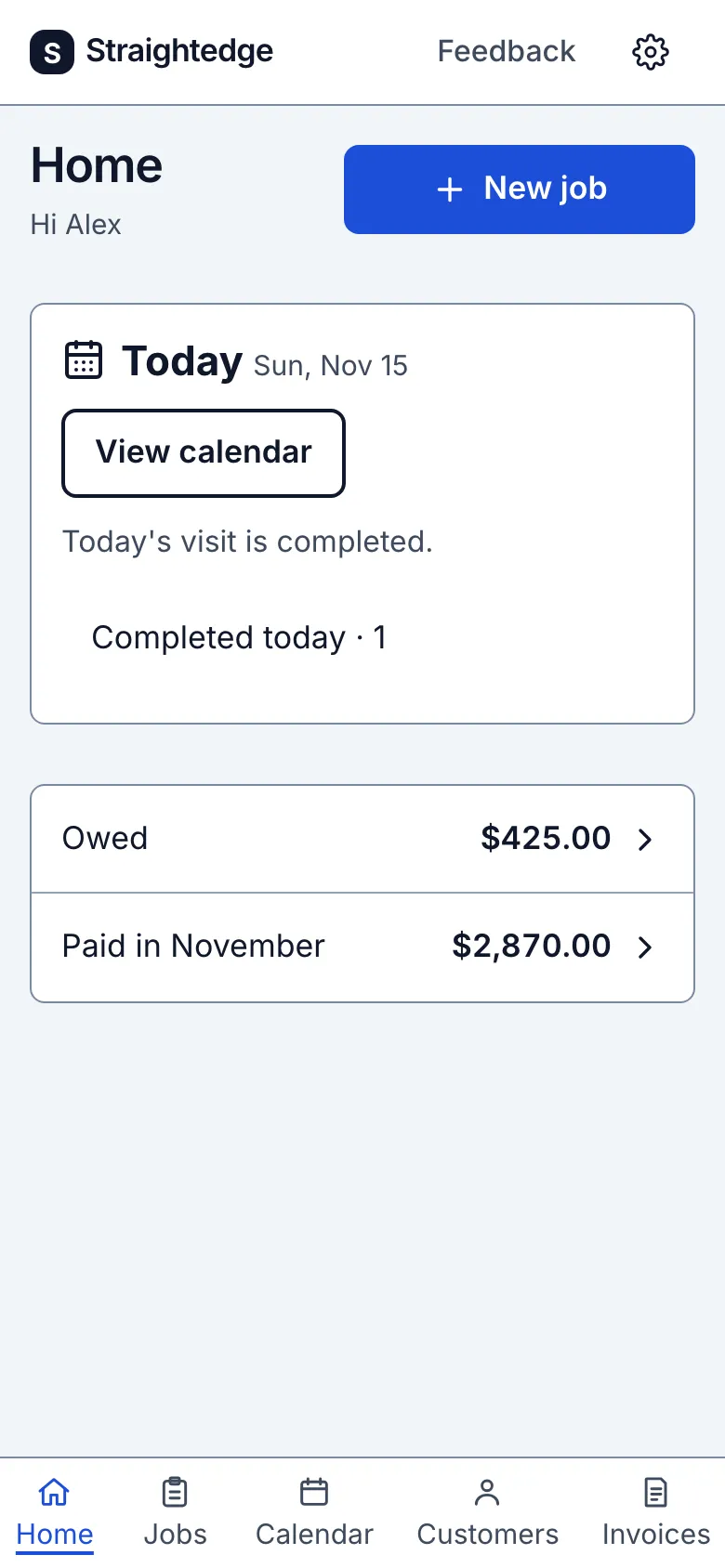
Saved work checks off the related task in First steps. After hiding, the card is gone from Home and Settings shows First steps · Hidden. Home greets you by your first name when your account has a real name, and has a New job button at the top.
Today shows visits in progress first, including one started on an earlier day, then today's scheduled visits. A scheduled visit stays here after its start time. Completed visits move into Completed today; canceled visits are left out. Tap a visit to open it, or View calendar to see the whole schedule. Home shows up to five visits.
On a quiet day, Home says No visits scheduled today. and shows the next visit, or No upcoming visits. Dates and times use your business time zone (UTC until one is set).
Automatic follow-ups lists documents with a reminder email due in the next seven days, when there are any. Owed and Paid in the current month open your invoices. Paid uses the date a payment was received. A Payments warning opens Settings › Payments; QuickBooks warnings open Settings › QuickBooks.
Limits
The card reflects saved work; a draft does not complete a task. Hiding it changes this business's Home for its members, and you can restore it while tasks remain incomplete.
When it goes wrong
If Today says Couldn't load today's visits. or the money card says Couldn't load money totals., tap Try again. A failed read does not mean there is no work or money.
If hiding or restoring says Couldn't confirm the change. Reload and try again., reload and try again.
Still stuck? Email support@getstraightedge.com