Sign up
Who can do it
Owners.
Before you start
To create an owner account, use the public sign-up page. Crew members join from an owner's invite link instead.
1. Choose how to sign up
On the sign-up page, choose Continue with Google, or enter Email and Password (at least eight characters) and tap Sign up.
2. Confirm your email
With email sign-up, the page says Check your email. Open the confirmation link on your phone, then use Log in. Google sign-up follows Google's account prompt instead.
What you see after
After signing in, Tell us about your business asks you to name the business. Continue with Set up your business.
Limits
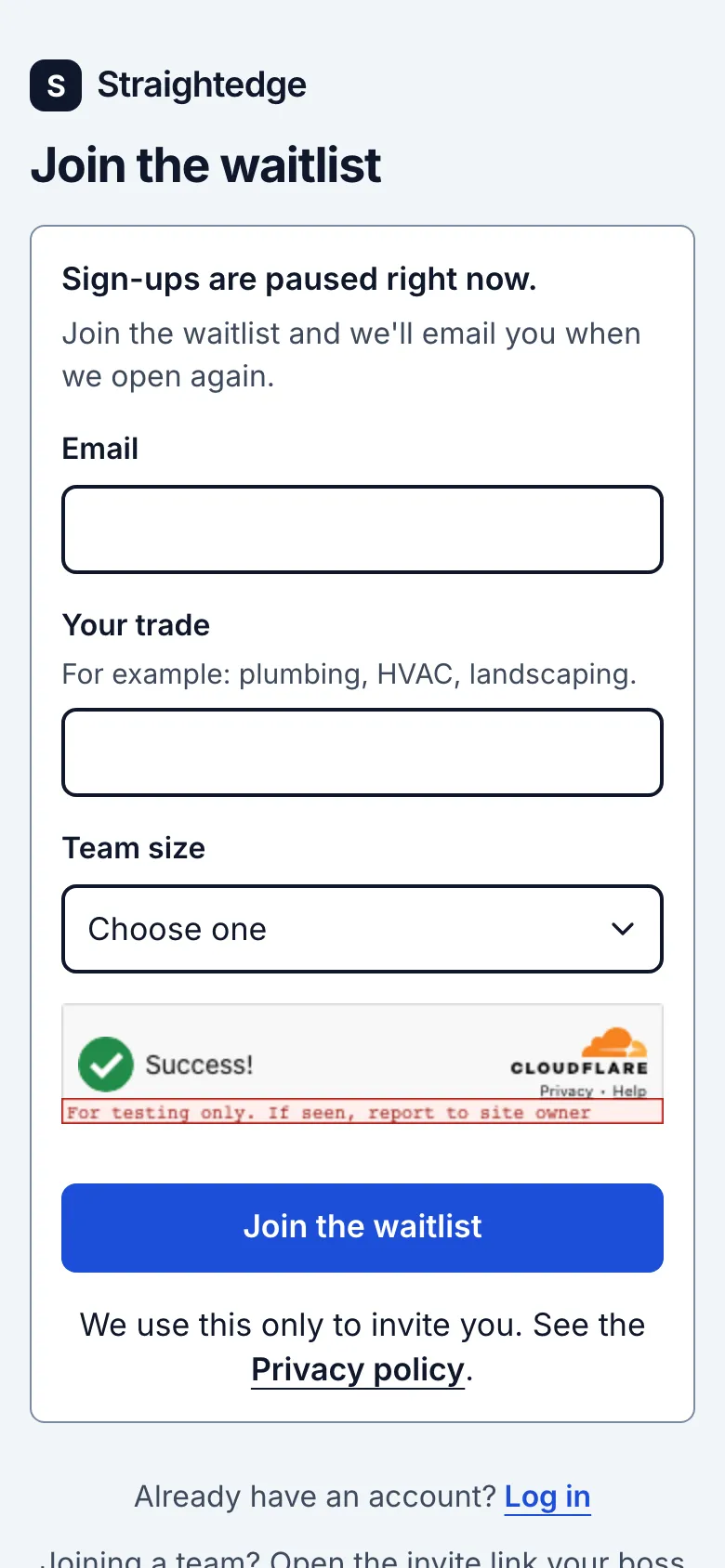
The first 30 days are a free trial, with no card. After that it's $19 a month per business, plus any sales tax. Sign-ups are open to a limited number of businesses; when it's full, the sign-up page becomes a waitlist instead.
When it goes wrong
If sign-ups are paused or full, use Join the waitlist. If the email does not arrive, check spam and make sure the address is right before trying again. An expired confirmation link sends you back to sign up.
Still stuck? Email support@getstraightedge.com