Set up your business
Who can do it
Owners.
Before you start
Sign up and confirm your email first. Crew members join through an invite instead.
1. Name the business
After signing in, Tell us about your business asks for a Business name. Enter the name that customers should see on estimates and invoices, then tap Create business. If you have no business name, use your own name.
2. Add business details
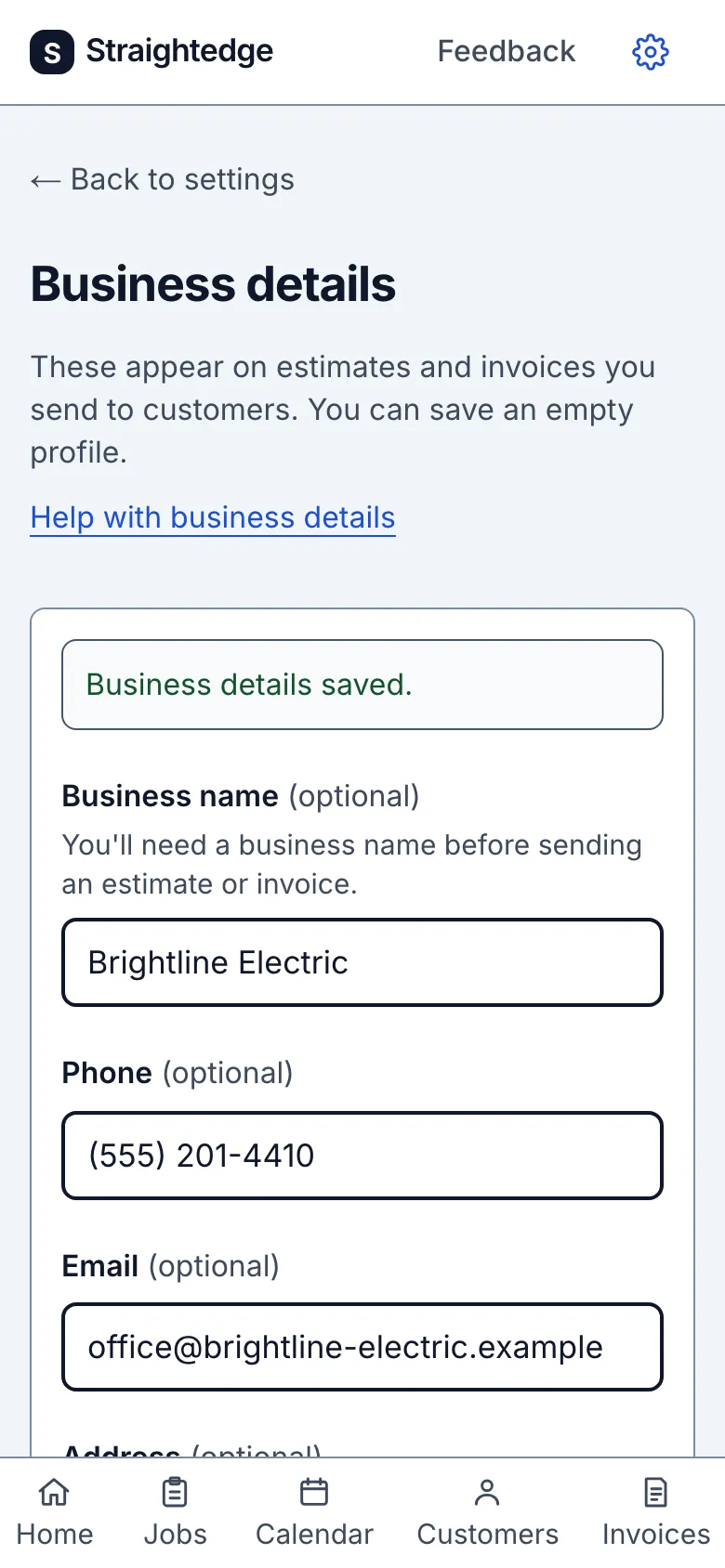
Open the gear and choose Business details. Add a phone, email, address, license or registration number, and payment instructions, then tap Save business details. These appear on customer documents; the full field list is in Set up business details.
3. Review sales tax
Open the gear and choose Sales tax. Add rates and decide which new estimate lines start taxable. Follow Sales tax for the rate and default controls.
4. Set the time zone
In Business details, choose the time zone used for visit times and document dates, then save. See Set the time zone before changing it when visits are already booked.
5. Find your way around
Use the five main tabs: Home, Jobs, Calendar, Customers, and Invoices. The gear opens Settings, with Business details, Billing, Sales tax, Team, and QuickBooks Online rows. Feedback at the top lets you send a note.
What you see after
After step 1, your new business opens to Home. Saving step 2 shows Business details saved.
Limits
- The business name is required to create the business; other details can wait. A business name is also needed before sending an estimate or invoice.
- Straightedge runs in a browser, with nothing to download from an app store. To put it on your home screen, use your browser's Add to Home Screen menu. It opens from its own icon afterward.
- Straightedge needs a signal to save. A form in progress stays in that browser tab if the page reloads, and photos wait on the phone for up to 24 hours, but nothing is saved to your account until you are back online.
- Does it work on iPhone and Android? On a computer? Yes. It runs in the browser on a phone, tablet, or computer, and is built for the phone first.
When it goes wrong
If business creation says Your business couldn't be created., try again. If Business details: save not confirmed appears, use Check saved details before saving again.
Still stuck? Email support@getstraightedge.com