Set sales tax
Who can do it
Owners.
1. Add a rate
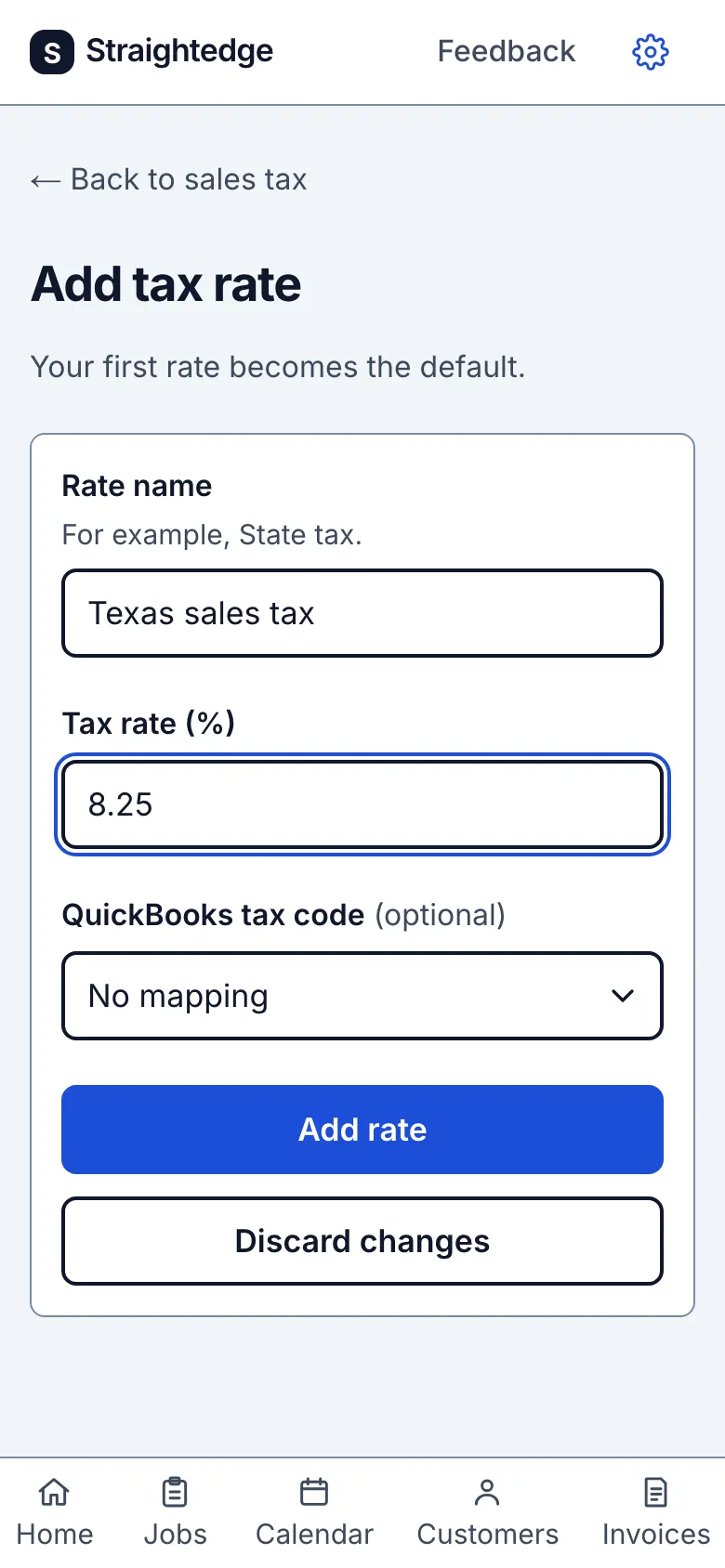
Open the gear's Sales tax row, tap Add rate, enter a rate name and percent, then tap Add rate on the form. The first rate becomes the default for new estimates.
2. Choose the starting line setting
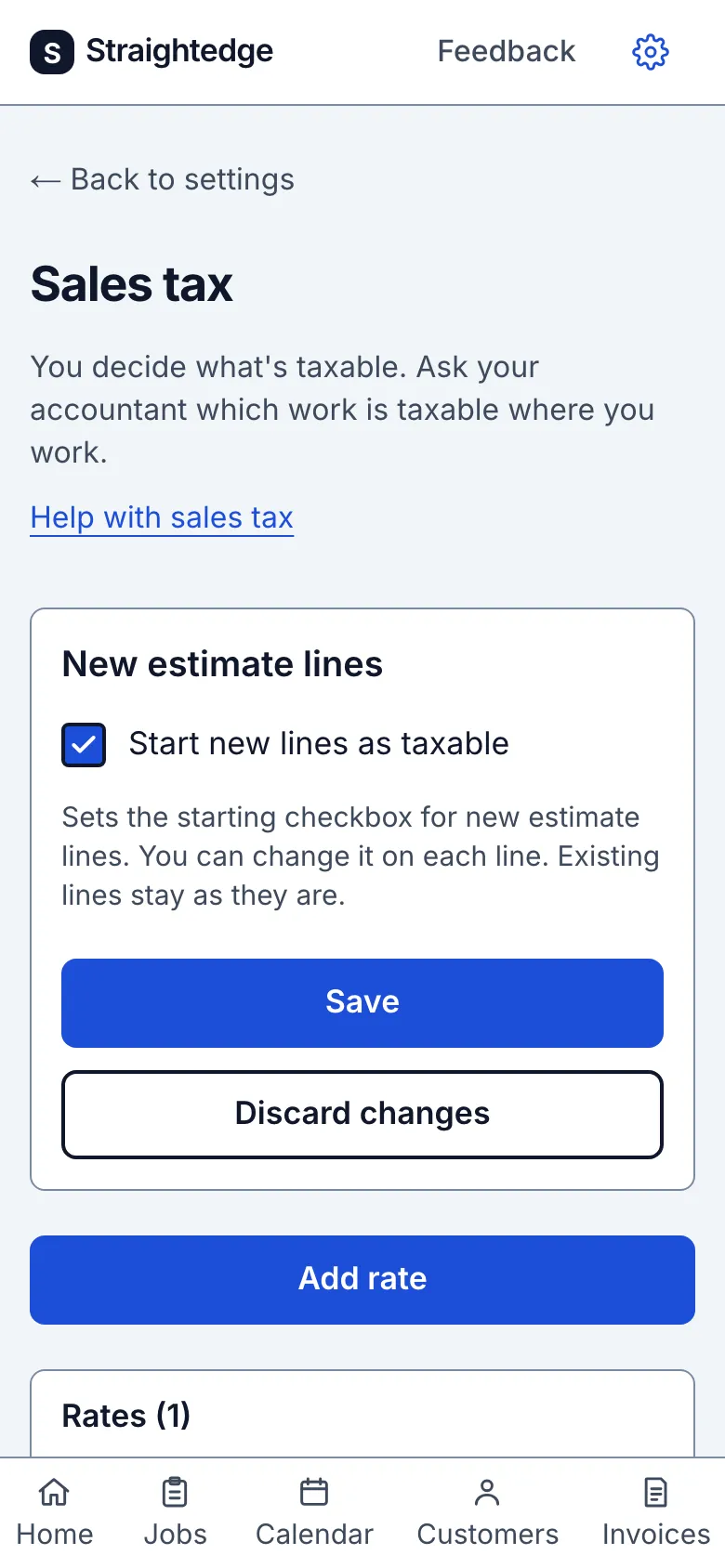
On Sales tax, choose Start new lines as taxable and tap Save. You can still change Taxable on each estimate line. With a rate chosen, the customer sees Taxable beside each ticked line with an amount, and what the rate was charged on beneath its name. A $0.00 line shows no word. To send a document without a tax row, choose No tax on that document.
3. Maintain a rate
Open a rate on Sales tax. Use Make default to select it for new estimates, Save rate to edit it, or Archive when you no longer use it. Archived rates remain with estimates that used them.
What you see after
The rate list marks the selected rate Default. A saved starting-line choice reports New estimate lines will start as taxable. or New estimate lines will start as not taxable.
Limits
Straightedge does not decide what is taxable. Ask your accountant which work is taxable where you work. Each estimate uses one rate, and each line can be taxable or not. Archiving the default leaves new estimates without a selected rate.
When it goes wrong
If the page says The last sales tax change wasn't saved. Check your rates below and try again., inspect the rates and retry. If a new rate says Tax rate: save not confirmed, use Check tax rates before adding it again so you do not create a duplicate.
Still stuck? Email support@getstraightedge.com