Change business details
Who can do it
Owners.
Before you start
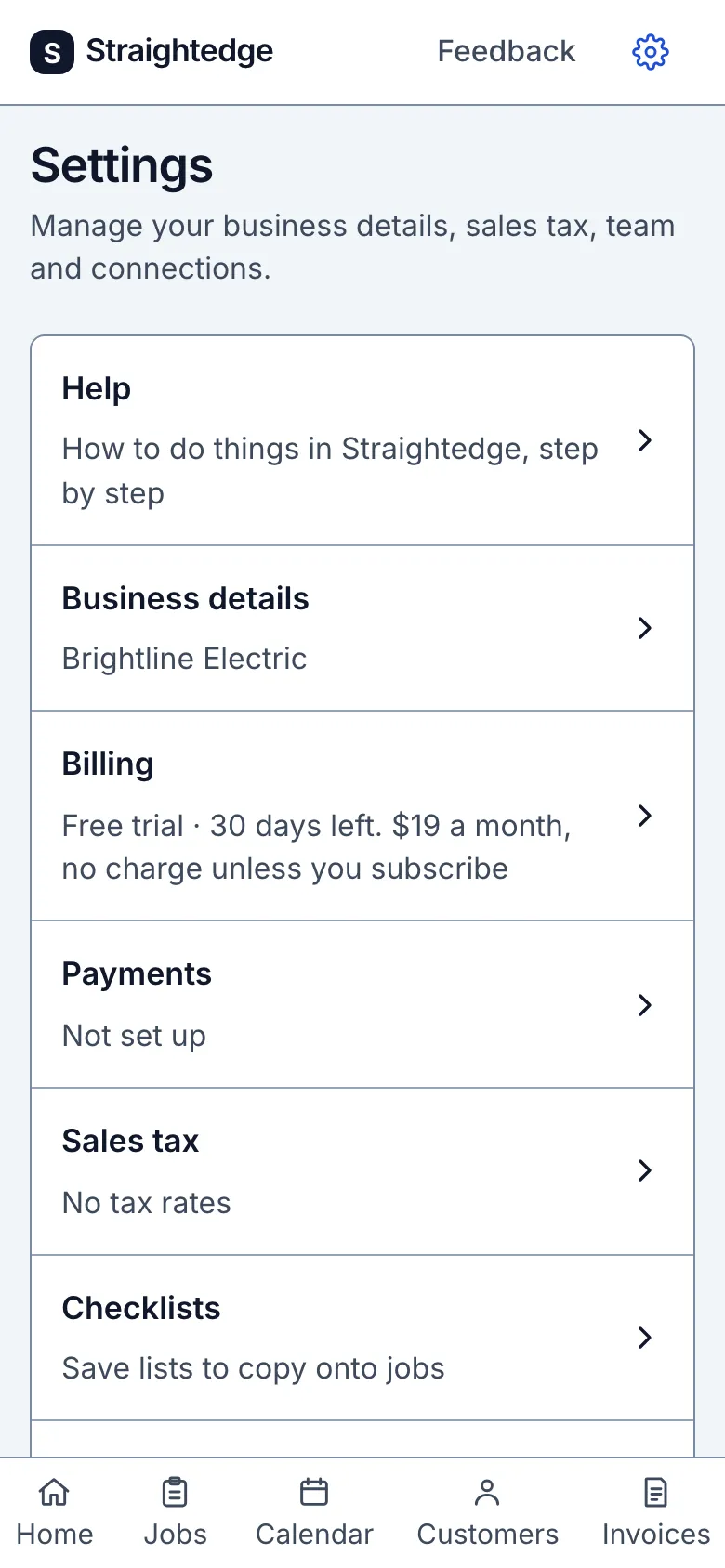
The gear at the top opens Settings: one row each for business details, billing, sales tax, team and QuickBooks, each showing where it stands, then Help and the account. If you've hidden the First steps card on Home, a row here brings it back.
1. Business details
The separate document-defaults form contains License details and On your estimates and invoices. Open the estimate or invoice terms Change row to edit its full text, then choose Save document defaults. A changed terms default applies only to documents created afterwards; it never rewrites existing documents or an open draft. License details is different: it follows Settings on documents already sent. Payment instructions also stay live. No text field promises that a document meets a legal requirement.
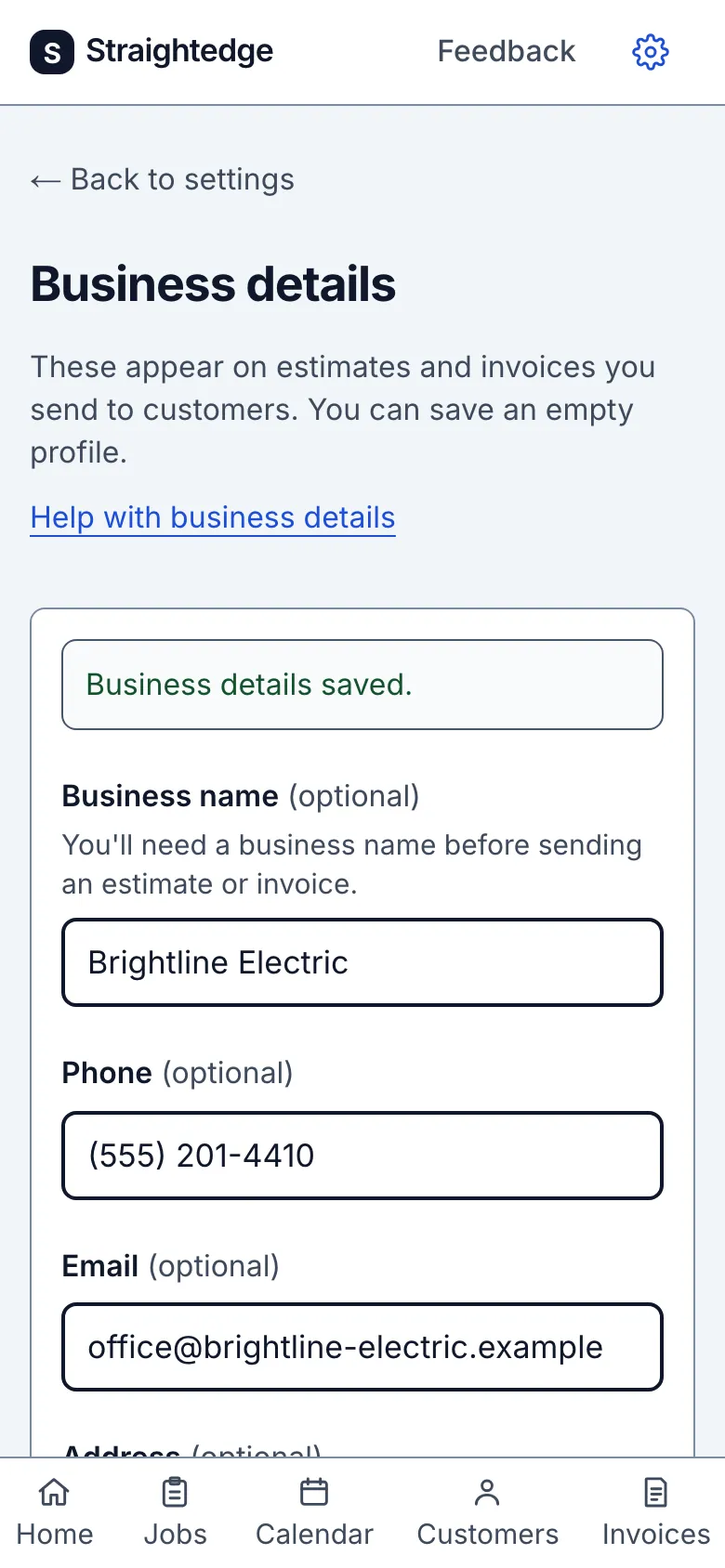
Business name, phone, email, address, license number, payment instructions and time zone. They go on every estimate and invoice. Set up business details covers each one.
What you see after
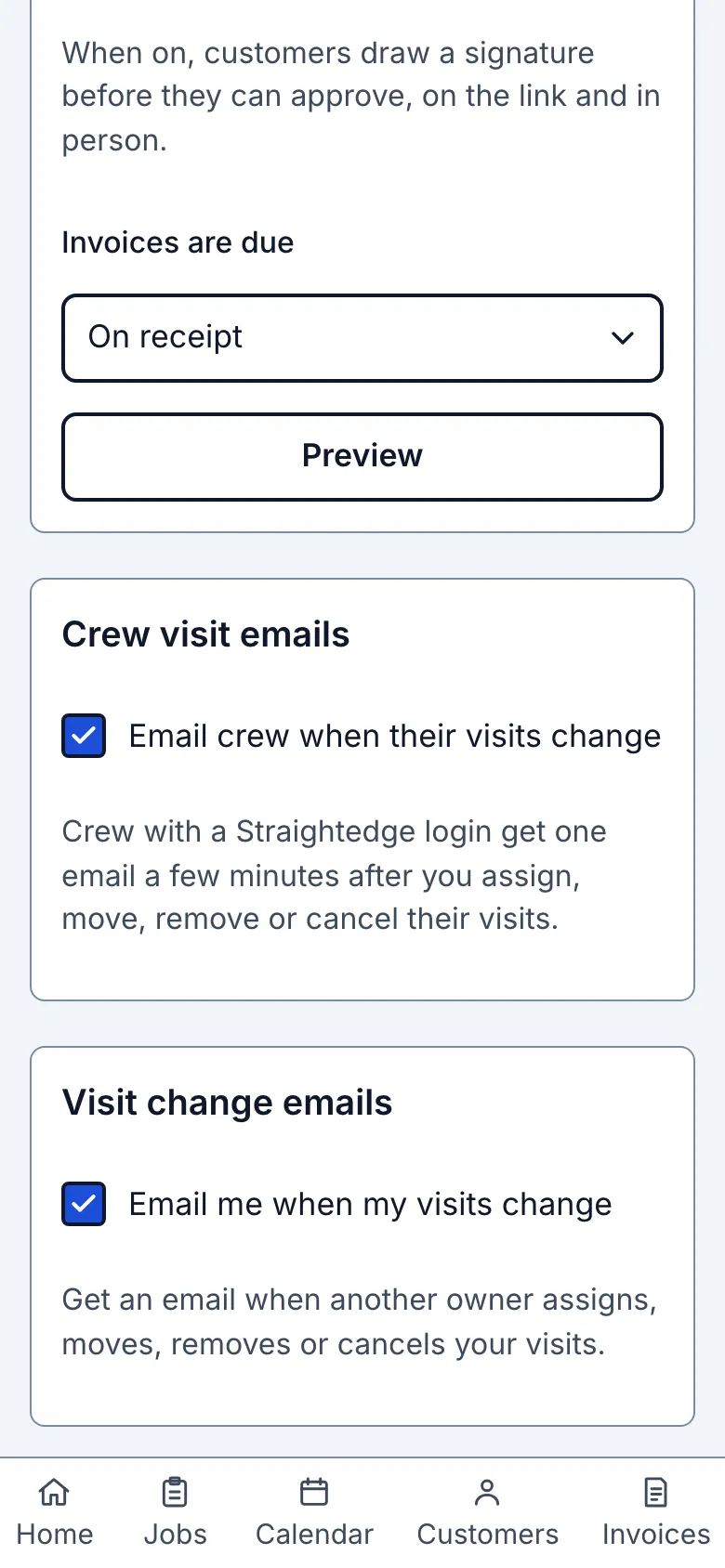
Ask customers to sign estimates is off by default. When on, customers must draw a signature before approving, from their link and in person. Turning it off makes the mark optional; customers still enter their name. This never blocks starting or completing work. Approved-copy receipts are separate from the reminder switches: a business reply email and a customer email are enough, unless the customer stopped automatic emails.
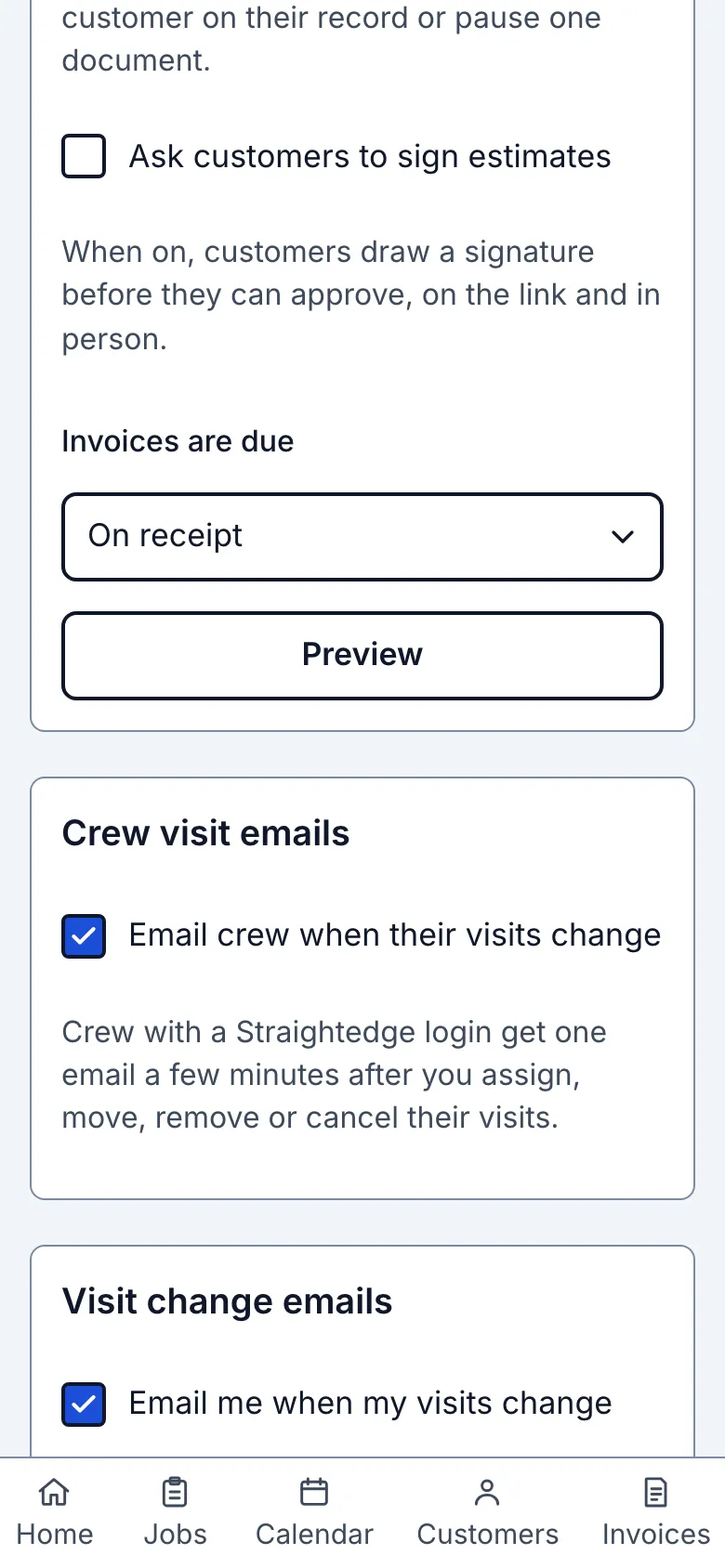
The Customer emails group has Remind customers before visits and Follow up on estimates and invoices. Both switches are off for every business by default, so nothing is emailed before an owner turns one on. Neither turns on until a time zone, phone and email are saved on this page; a message names any missing detail. Invoices are due sets terms for an invoice's first share while follow-ups are on: On receipt by default, or 7, 14 or 30 days. A later change never moves an invoice's date. Preview opens the Visit reminder preview, Estimate preview and Invoice preview: the fixed messages, business sender, reply address and subject. Choose Email to see the layout or Plain text for the same facts and full links. The previews use sample values; each email app shows it a little differently. On a customer record, Send reminder emails controls visit reminders, booking confirmations and both follow-ups together; each email has a “Stop emails from {business}” link. The stop page explains that it stops reminder emails and approved-copy receipts from your business. Owners can pause one estimate or invoice. See Remind customers before visits, Follow up on an estimate automatically and Remind customers to pay an invoice.
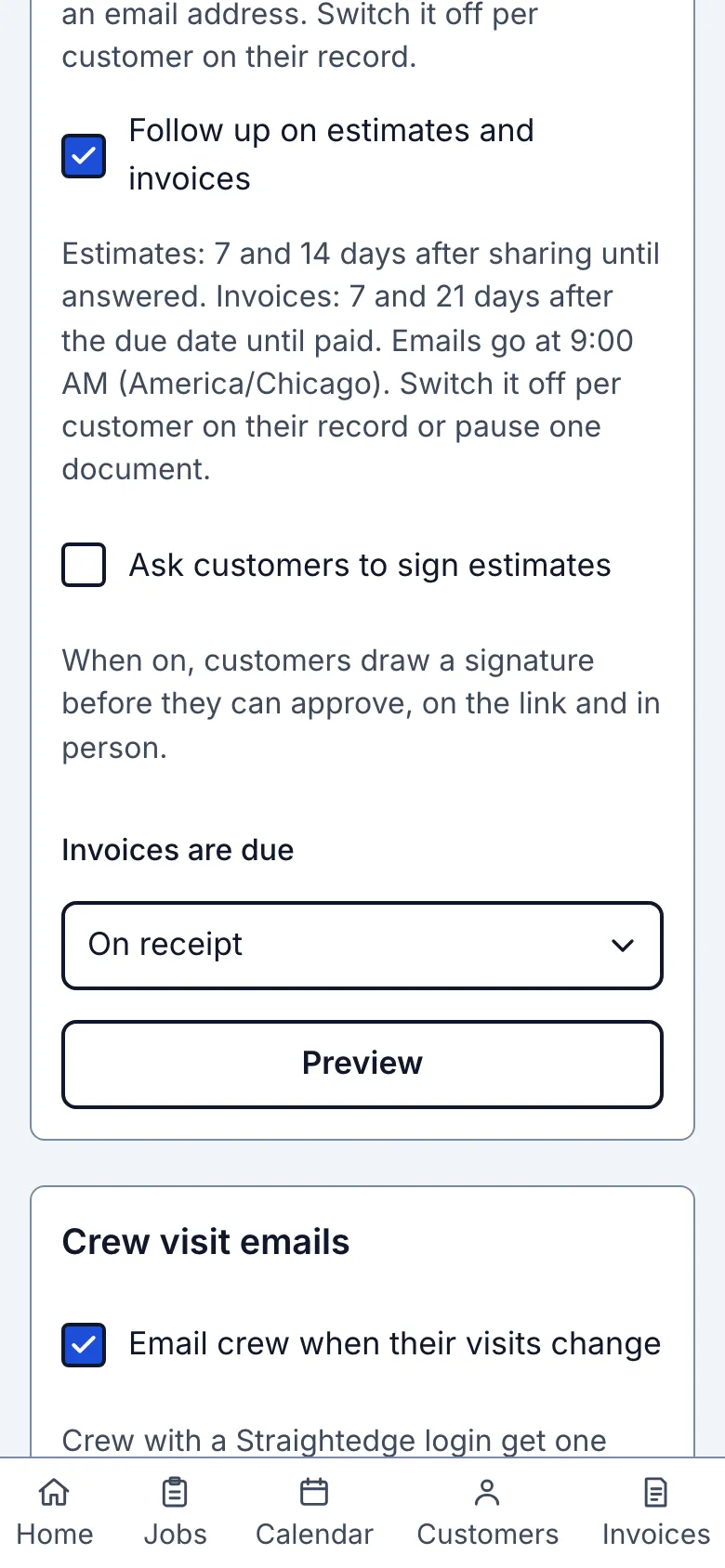
Under Crew visit emails, Email crew when their visits change starts on; your own Email me when my visits change switch is under Visit change emails. See Email crew about visit changes for who gets emails, timing and what to do if one bounces.
Still stuck? Email support@getstraightedge.com