Set up business details
Who can do it
Owners.
1. Open Business details
Tap the gear, then Business details.
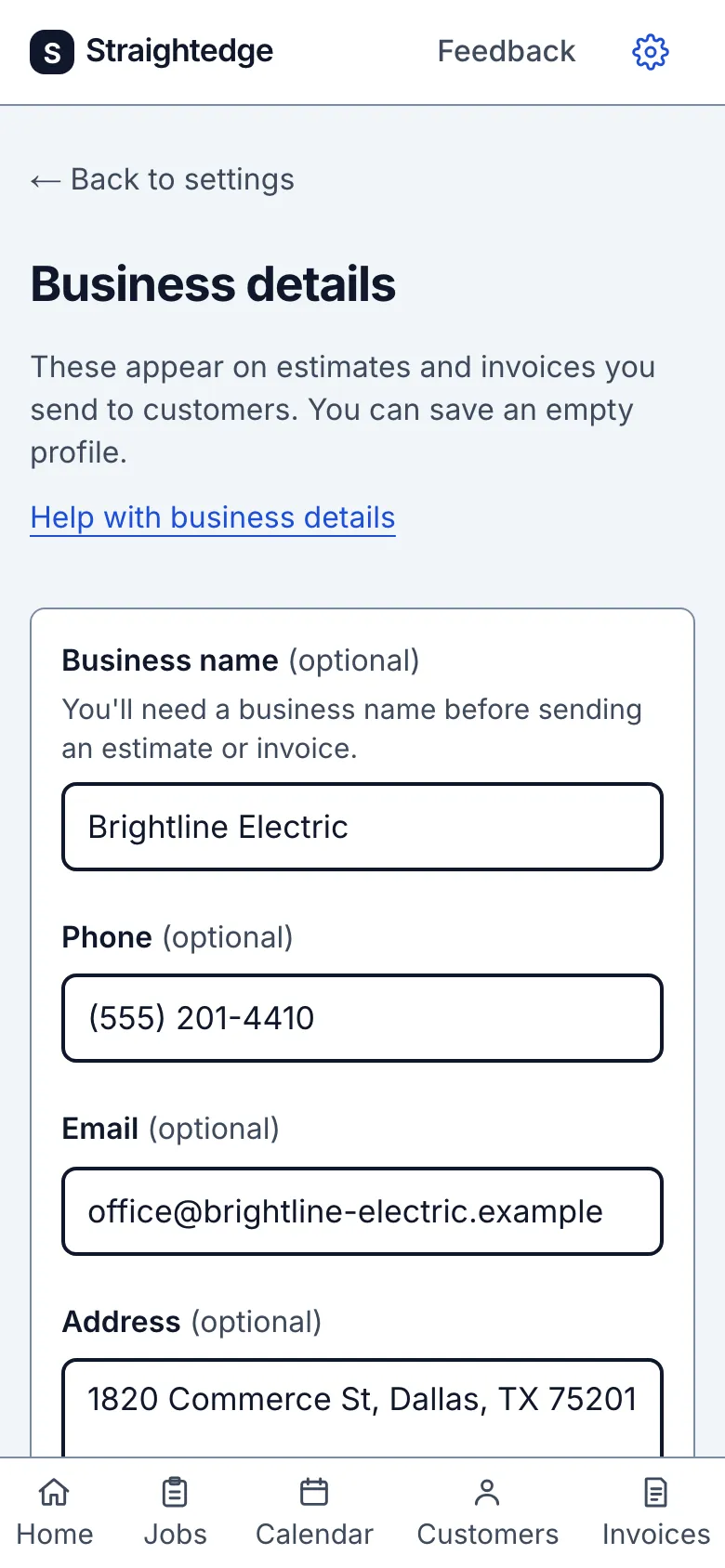
2. Enter and save the details
License details has its own field below the business-details form. Enter the license holder's name and regulator information you want printed, up to 300 characters. It shows under your business name on every estimate and invoice, including documents already sent. Under On your estimates and invoices, open the Add or Change row for each terms default and enter your own wording. Both defaults start empty; Straightedge supplies no warranty or contract wording. Choose Save document defaults to save license details and both terms defaults separately from the business details above. New documents copy the matching default; existing documents and open drafts keep their text.
Fill in the fields you need, then tap Save business details. Phone, email, and address appear on customer estimates and invoices; the license or registration number appears as “License #…”. Payment instructions appear on invoices so customers know how to pay you. The time zone sets visit times and document dates.
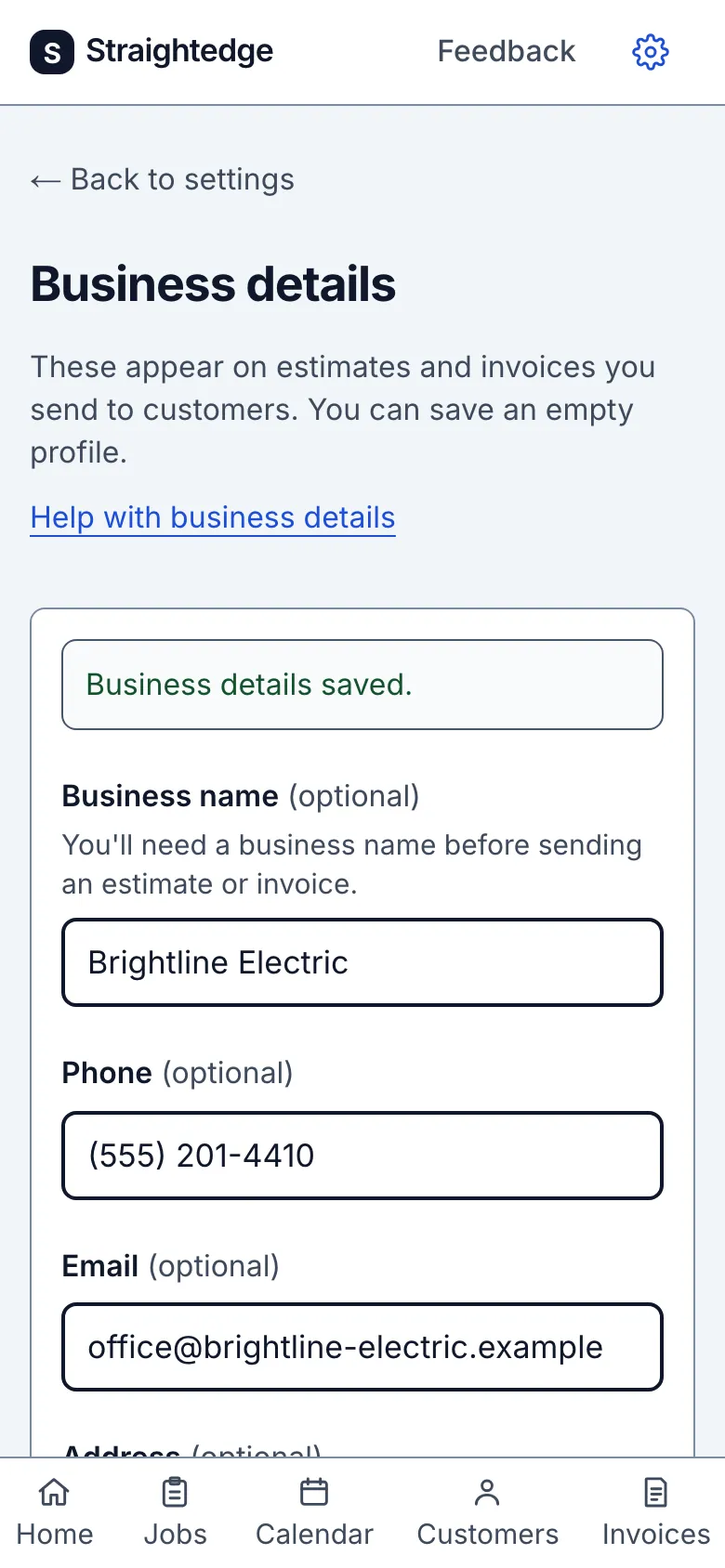
What you see after
The page shows Business details saved. and the saved values remain on the form.
Limits
These fields are optional on this page, but a business name is required before sending an estimate or invoice. Changing the time zone keeps booked visits at the same instant and changes their displayed clock times; see Set the time zone.
When it goes wrong
If you see Business details: save not confirmed, tap Check saved details. Saving again safely replaces the same details. If a field needs correction, follow the message beside it and save again.
Still stuck? Email support@getstraightedge.com