Add a customer
Who can do it
Owners.
Before you start
A customer is one person and one property. You can also add a customer while creating a job.
1. Open the customer form
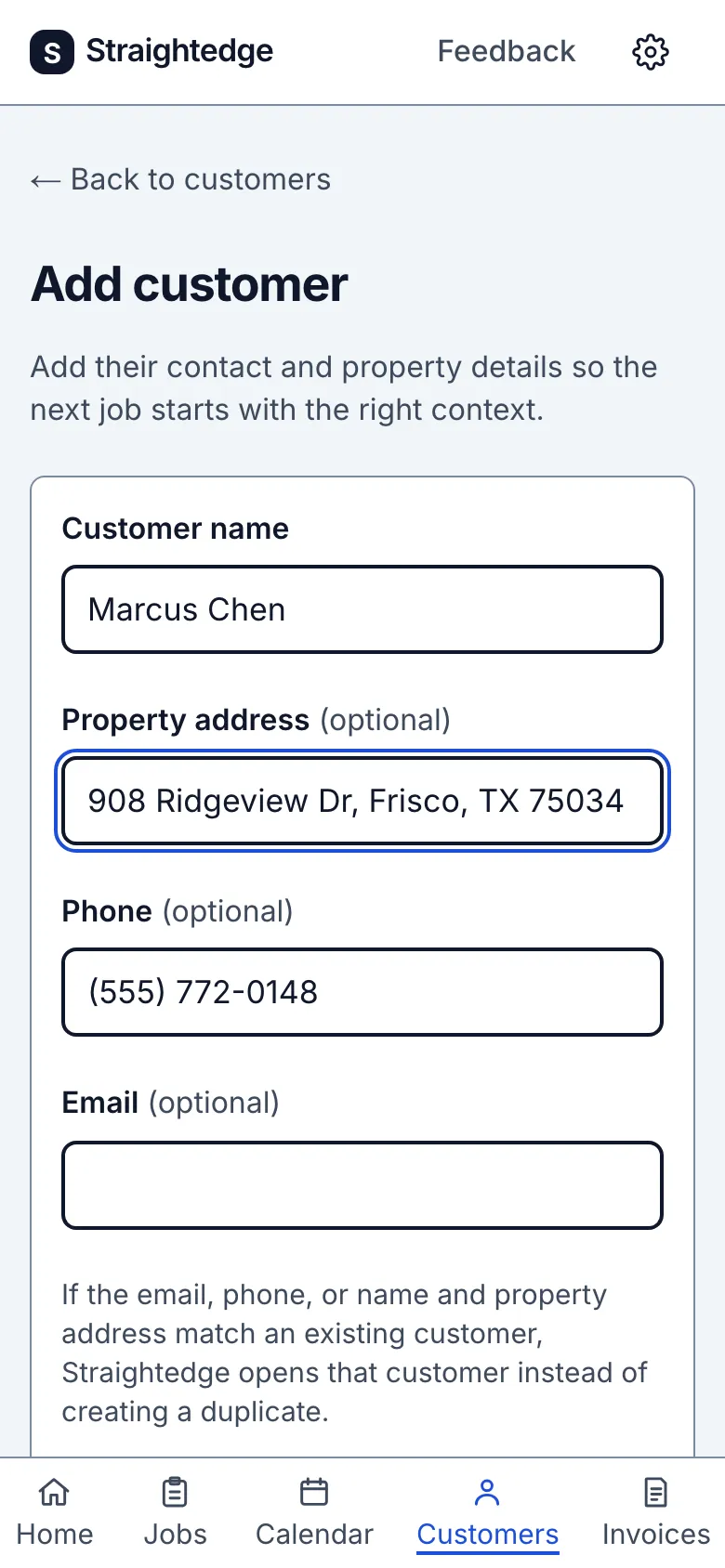
On Customers, choose Add customer.
2. Save the customer
Enter Customer name, then choose Add customer. Property address, phone and email are optional. If the email, phone, or name and address match an existing customer, Straightedge opens that record instead of adding a duplicate.
What you see after
The customer's page opens with the saved details and Create job.
Limits
A customer has one current property address. Changing it changes the address on old jobs and links too; use a separate customer for a second property. The address is what Directions opens, and the phone and email are what Call, Text, Email and the send screen use. Customers cannot be deleted or merged yet. Notes are added on Edit details and are hidden from crew; put gate codes and dog warnings in the visit notes instead. If QuickBooks is connected, a new customer is sent to QuickBooks when you add them, but later changes are not (see Connect QuickBooks). Import customers accepts a CSV list.
- Can a customer have more than one address? No. Add another customer record for the other property.
When it goes wrong
If you see Customer: save not confirmed, choose Check customers before saving again; the first save may have succeeded.
Still stuck? Email support@getstraightedge.com