Your crew account
Who can do it
Crew members.
1. Account
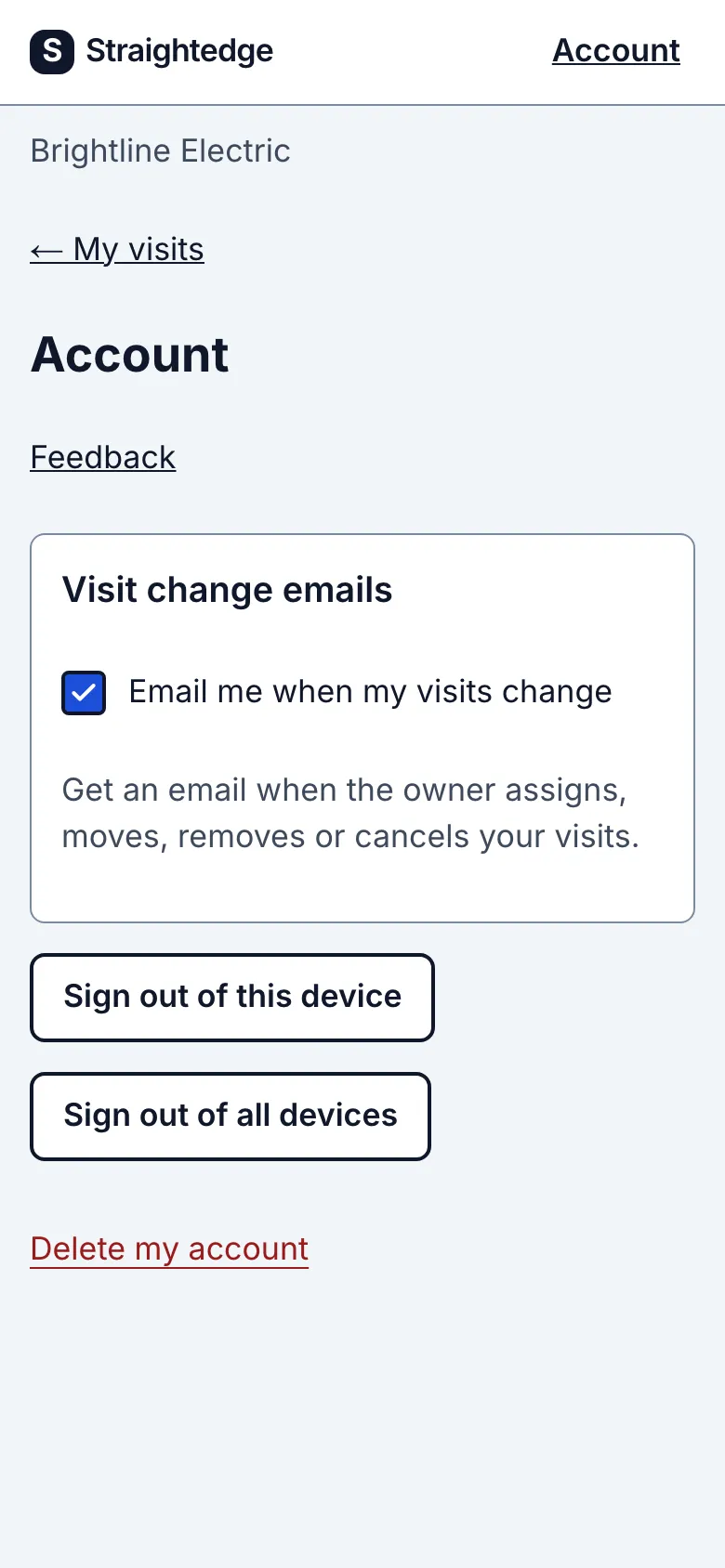
The Account link at the top has Feedback, Sign out of this device and Sign out of all devices. If Jordan works for more than one business on Straightedge, Switch business shows here too.
If Alex removes Jordan's app access, Jordan loses access to Brightline's visits. Everything Jordan recorded stays on the visits.
2. Change visit emails
Under Visit change emails, turn Email me when my visits change off or on for the current business.
What you see after
You get one email a few minutes after the owner assigns, moves, removes or cancels your scheduled visits from today on, if your emails and the business's crew emails are on. Both start on. Several changes can share one email.
Assigned or moved emails show the customer's first name, address, date and time, and who changed it. Removed or canceled visits disappear from My visits; the email is how you find out, with only the customer's first name and the old time.
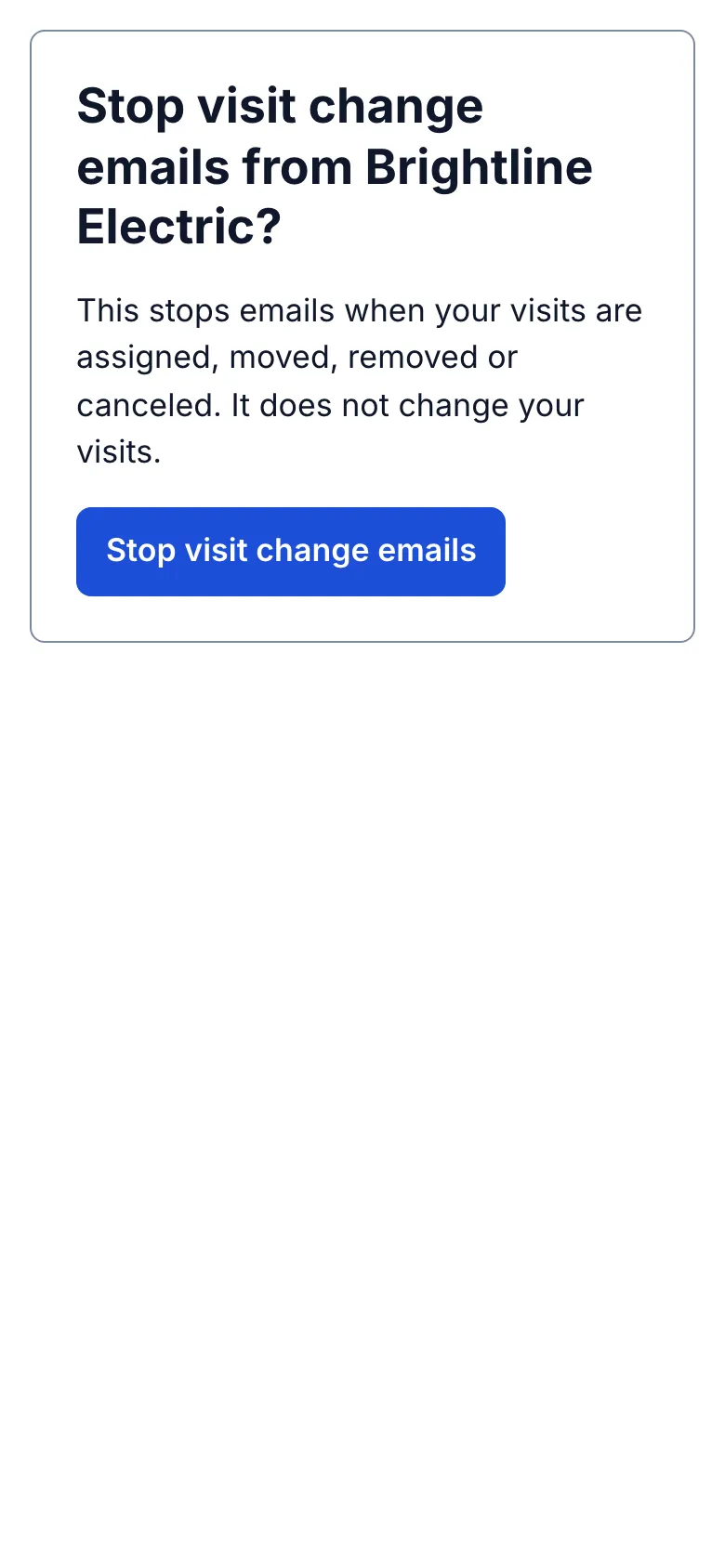
Turn emails off on Account under Visit change emails, using Email me when my visits change. You can also choose Stop visit change emails in an email; the page asks before stopping them. Each business you work for has its own switch.
Crew visit emails are being turned on for businesses in stages. If you don't see Visit change emails on Account, it isn't on for your business yet.
Still stuck? Email support@getstraightedge.com