Send the invite
Who can do it
Owners and full access partners.
1. Share the new link
After creating the link, tap Share invite link to open your device's share sheet, or Copy link to paste it into your own message. Straightedge creates the link but does not send the message.
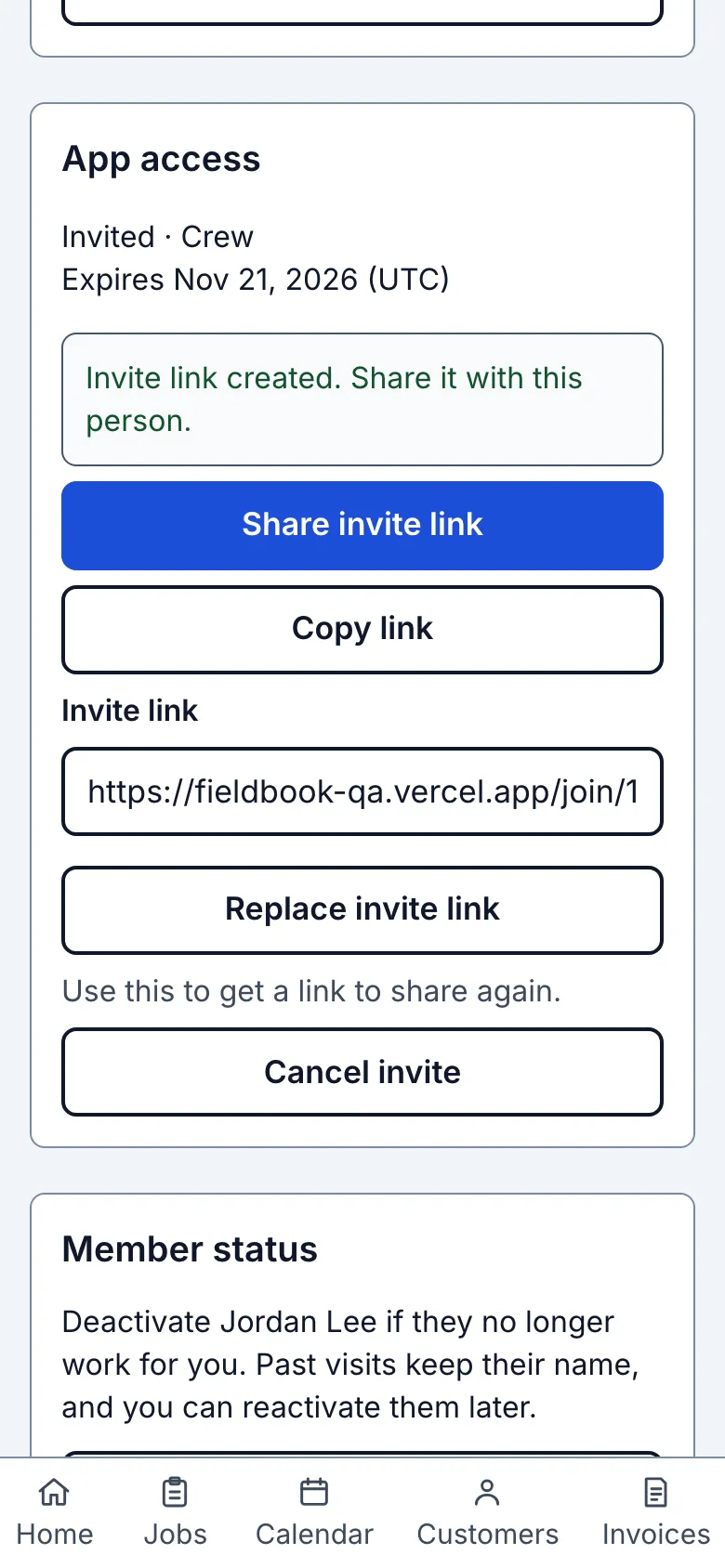
2. Replace a lost link
On the member page, tap Replace invite link and confirm with Replace link. Share the new link; the old one stops working. If the person should no longer join, use Cancel invite instead.
What you see after
The member page shows Invited and its expiry until the person joins. Replacing produces a new link to share.
Limits
- The link works once, only for the invited email, and expires seven days after creation. A canceled share sheet leaves the invite active.
When it goes wrong
- If sharing is canceled, the page says “Sharing canceled. The invite still exists. You can share it again.” Use Copy link if your device cannot share directly. An expired, used or canceled link needs a new invitation.
Still stuck? Email support@getstraightedge.com