Close a job
Who can do it
Owners.
1. Open the close action
When work is finished, tap More, then Close job on the job page, or choose Close job on a paid invoice or the job’s safe-close notice. If every invoice is paid, nothing is booked and no draft, sent or accepted estimate remains, the job closes in one tap. Otherwise the review page opens.
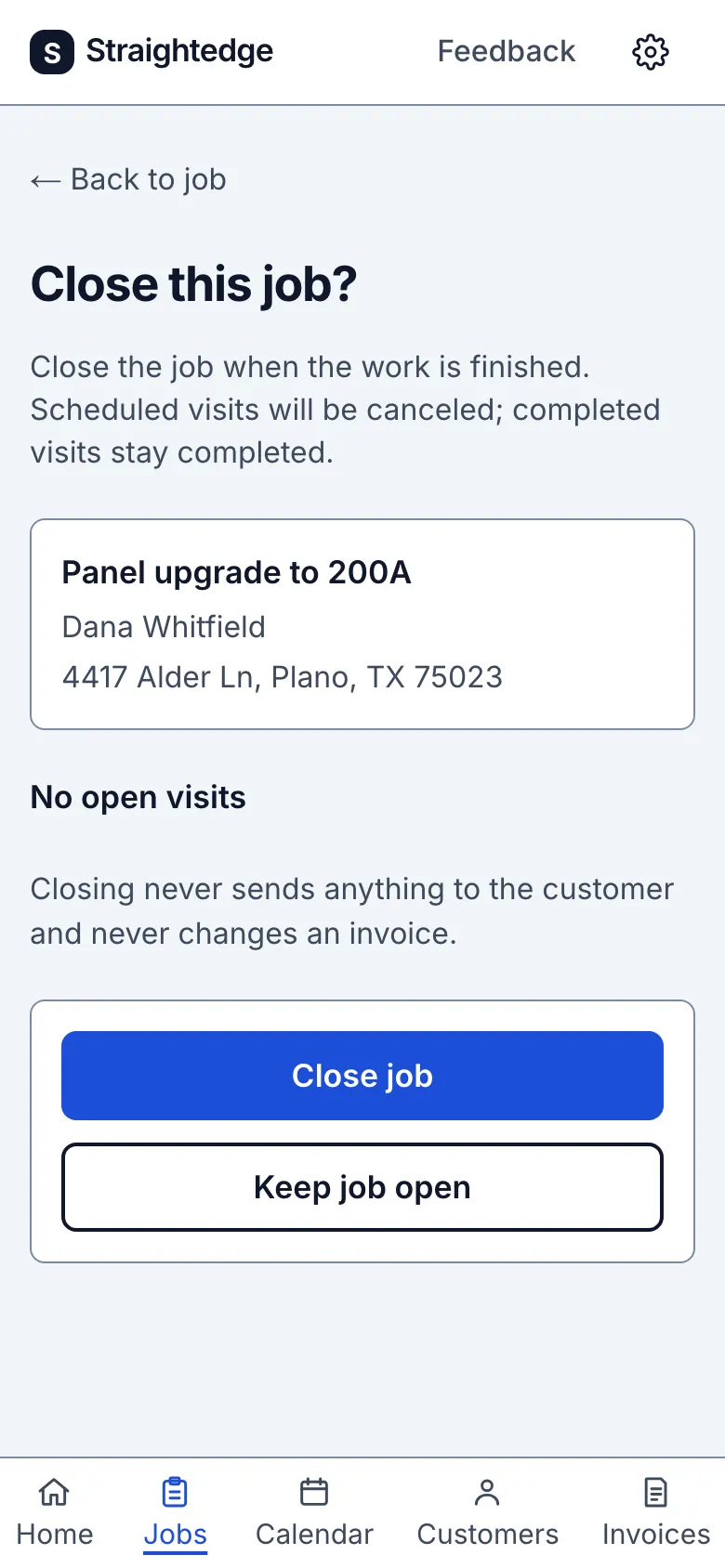
2. Review what remains
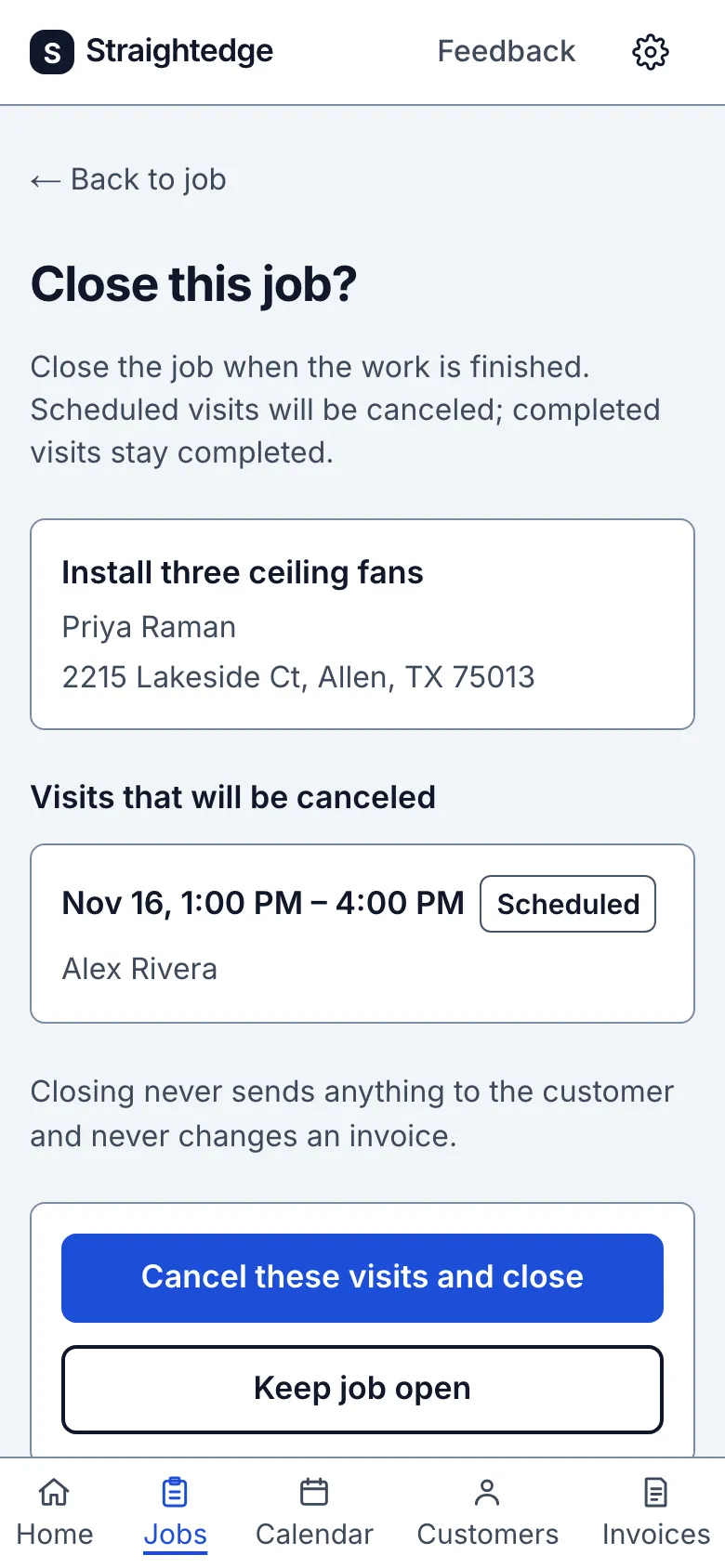
On the review page, confirm closing if nothing is booked. If a visit is booked, choose Cancel these visits and close to cancel it and close the job. The review also lists unpaid invoices; they can still be sent and paid after closing.
What you see after
The job says Done. Existing invoices can still be sent and paid. To schedule another visit or change an estimate, use Reopen job first. Closing never messages the customer.
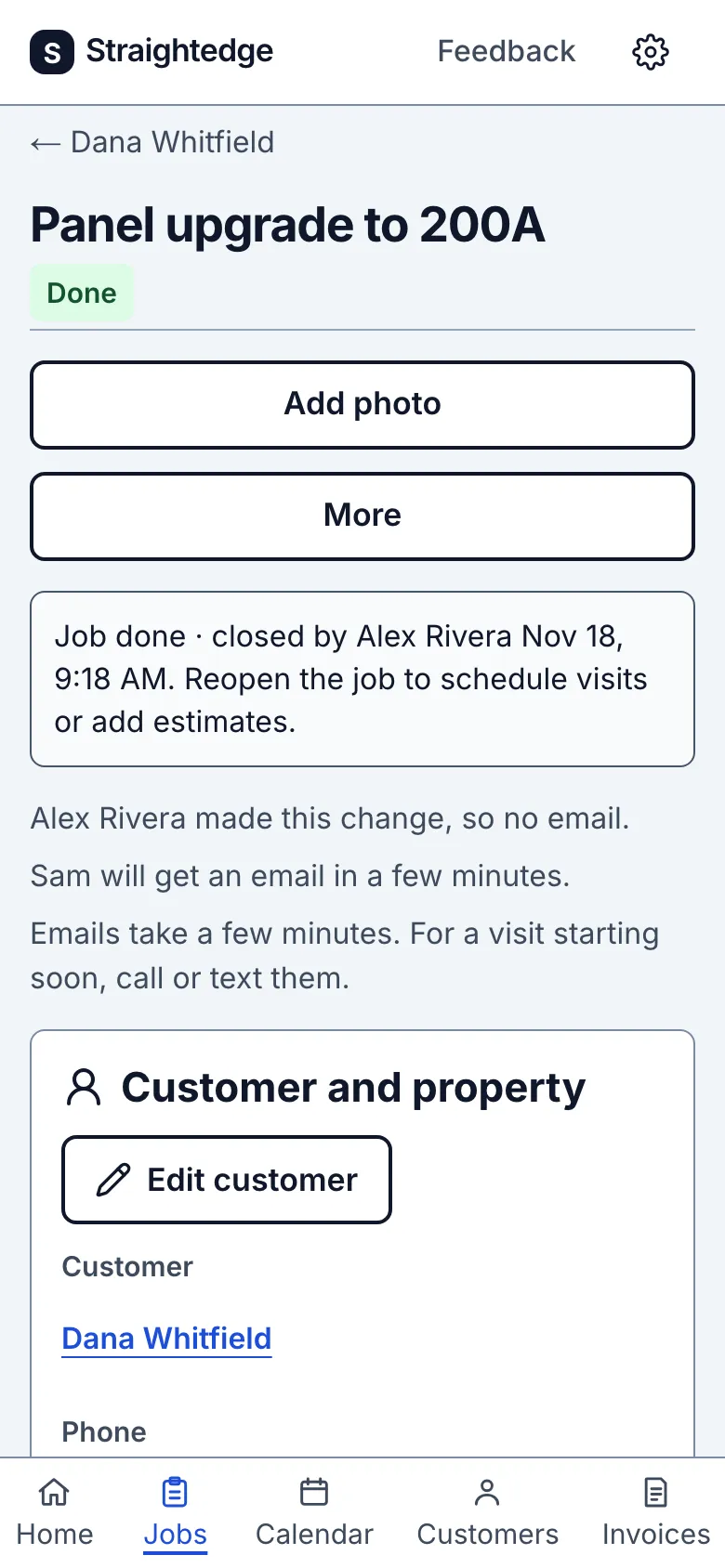
When closing cancels scheduled visits from today on, crew visit emails tell the people on them, if their emails are on.
Limits
An in-progress visit blocks closing until you complete it. A Canceled job cannot be reopened. Getting paid does not close a job by itself.
When it goes wrong
If the job changes while you close it, Review updated details opens the current review before you try again.
Still stuck? Email support@getstraightedge.com