What the customer sees on an estimate link
Who can do it
The customer, from the link; the owner records the result.
1. Open the link
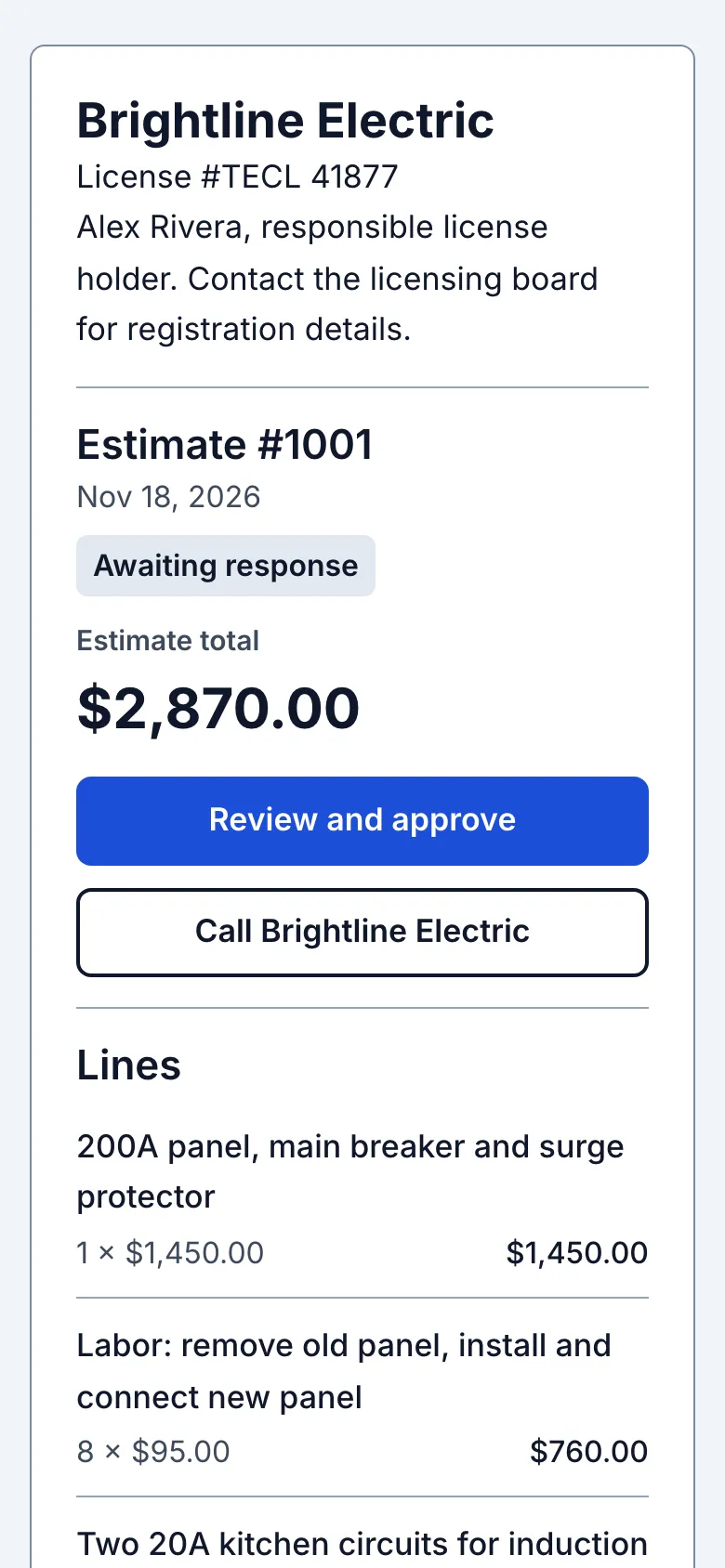
The customer opens the private link in a browser. The page shows Awaiting response, your business details, estimate number, lines and total. No app or login is needed.
2. Review the answer choices
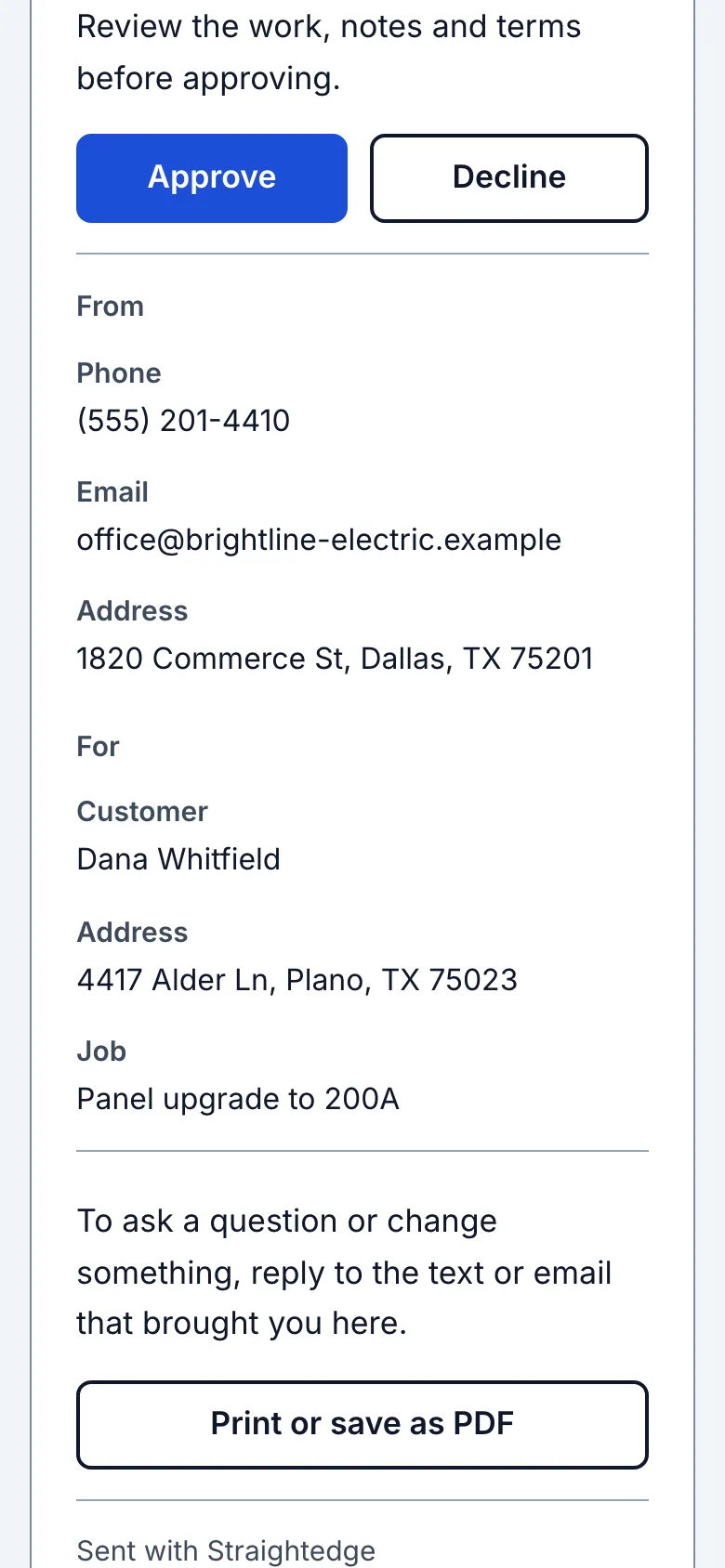
Below the total, the customer can choose Approve or Decline. Answer an estimate from the link explains the confirmation.
What you see after
The current estimate appears on the link. If the lines changed after sending, it shows Updated and the owner should send the link again.
Limits
Anyone with a forwarded link can view and answer. The owner can use Stop sharing to turn the link off. An edit after approval asks for a new answer; the earlier approved total remains visible. The link does not expire by itself.
- Does my customer need an app or an account? No. The link opens in their browser; there is nothing to install or sign up for.
Still stuck? Email support@getstraightedge.com