Write an estimate
Who can do it
Owners.
1. Open the estimate form
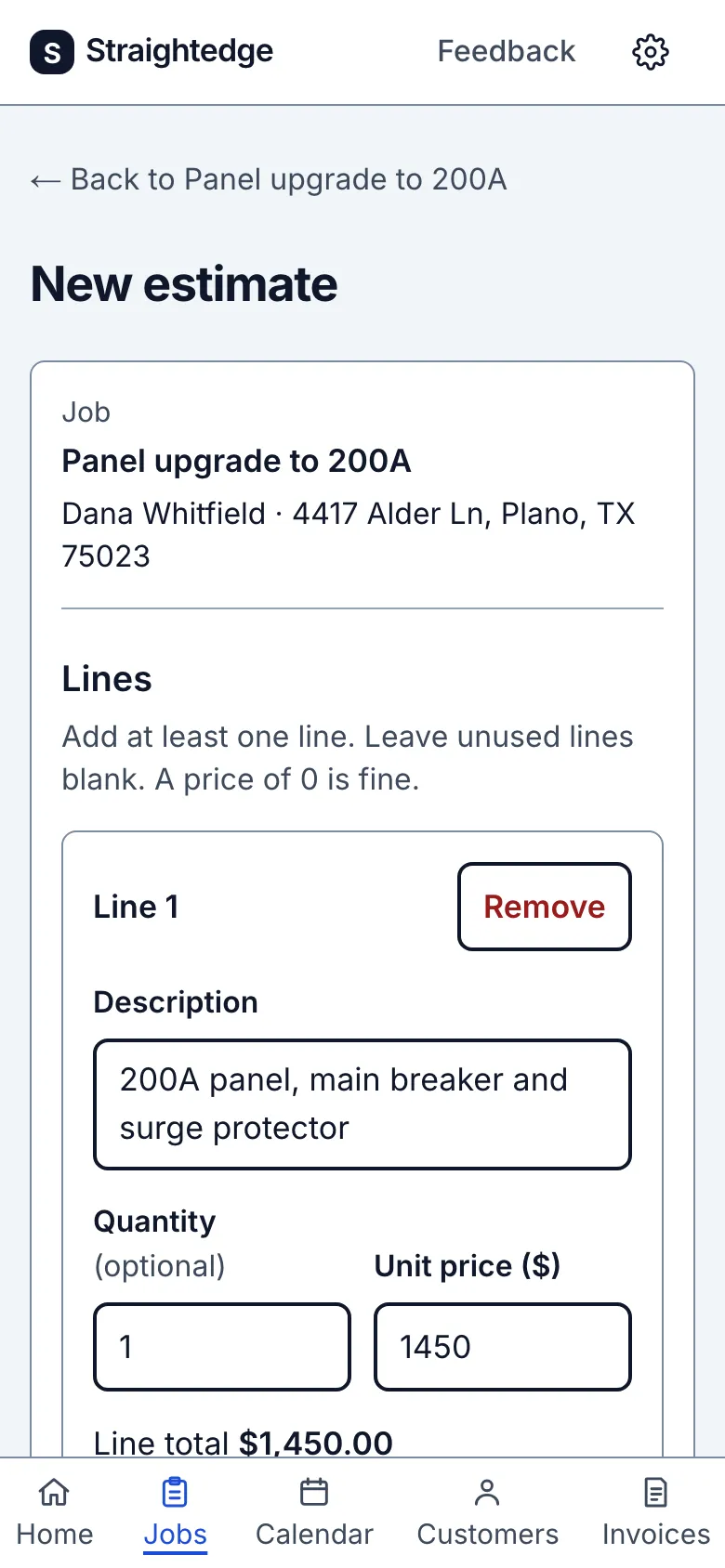
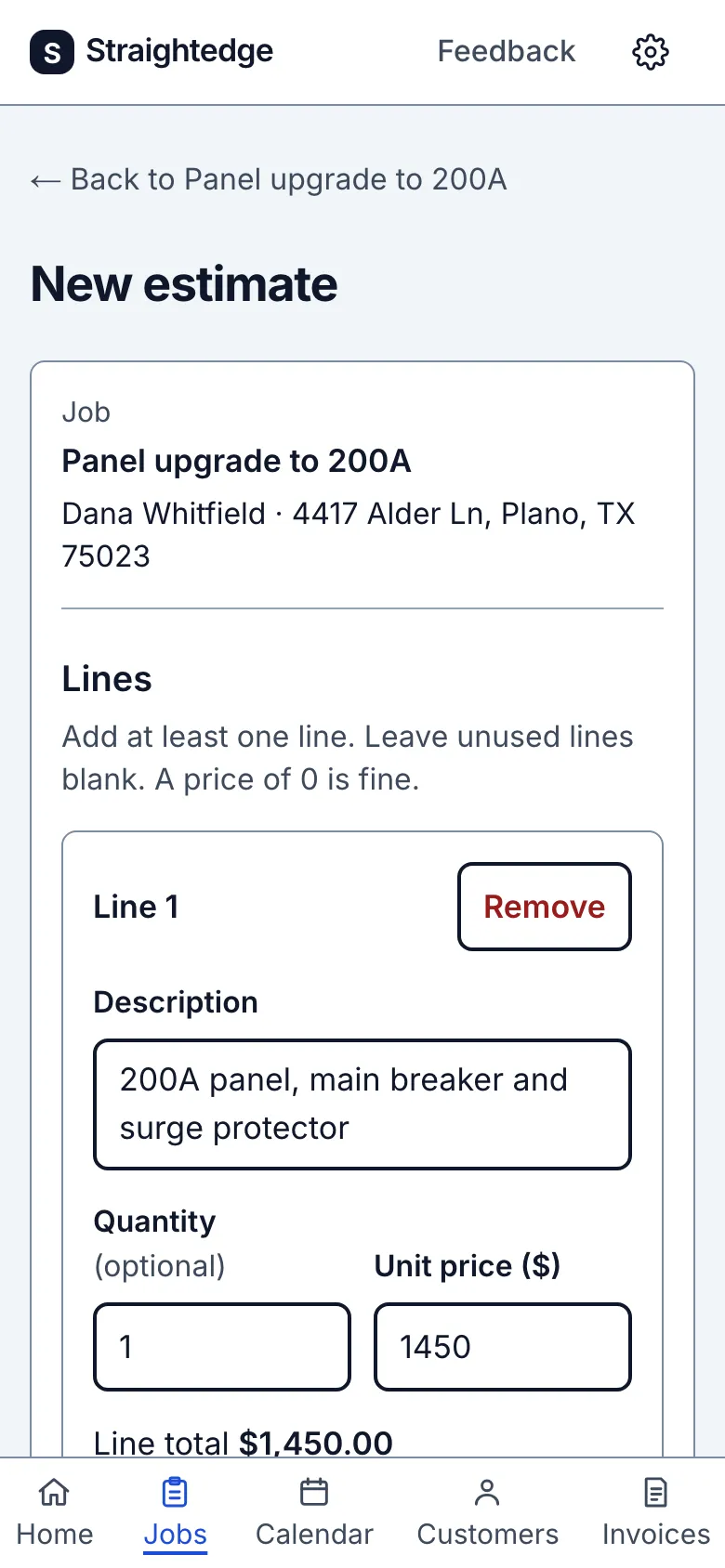
On the job page choose New estimate. The first line starts with the job title and quantity 1.
2. Price the work
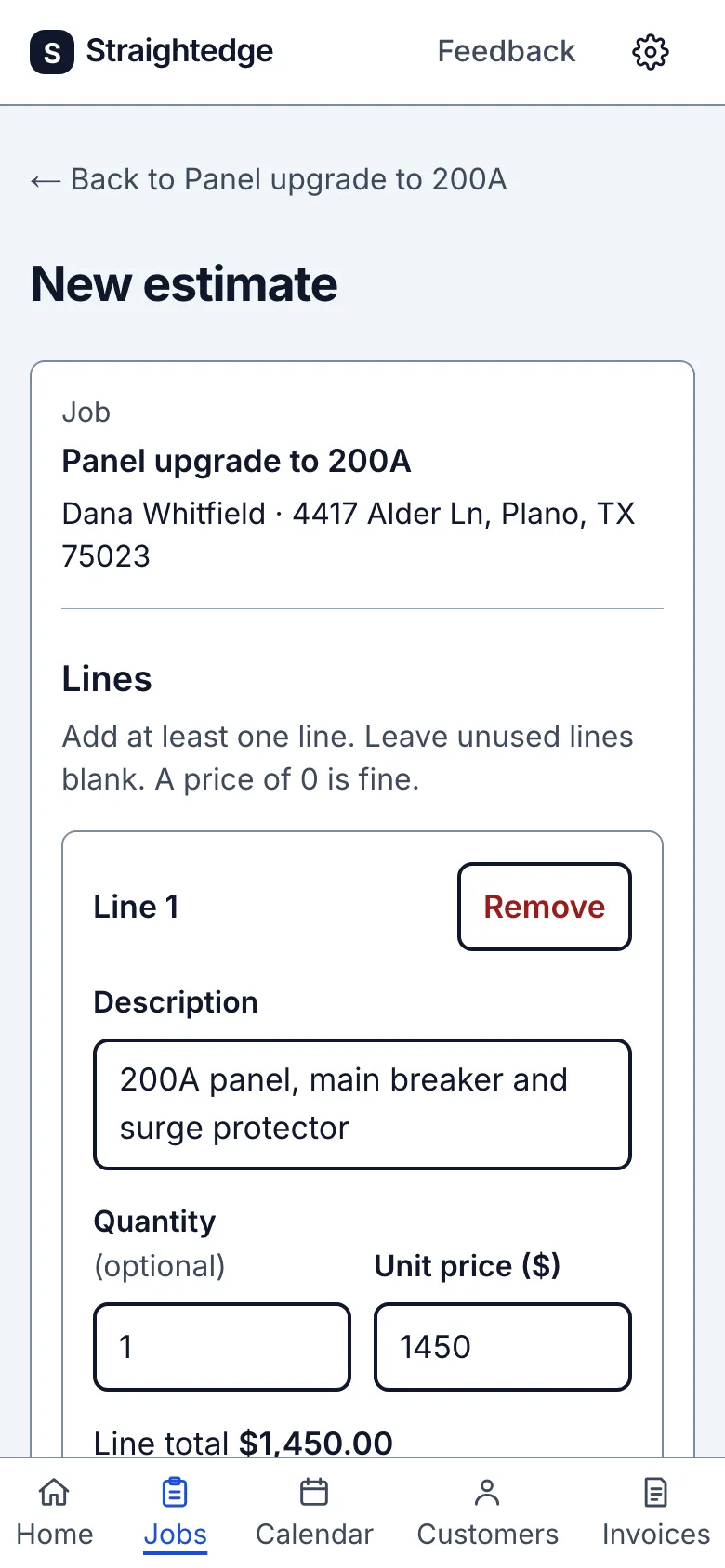
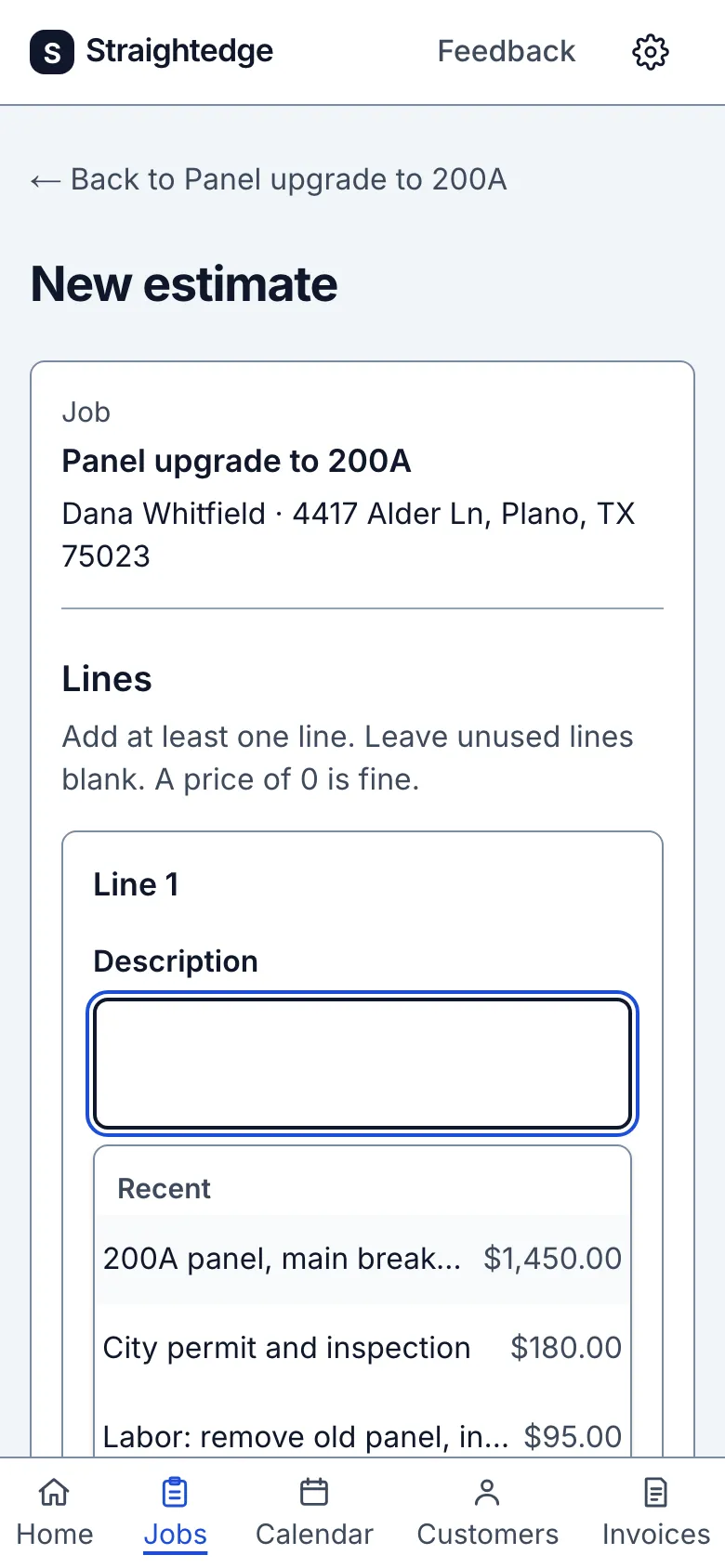
Use Description and Unit price ($) for each line; choose Add line for more work. The total updates as you type. On a blank Description, three recent lines and their last prices appear; tap one to fill its description and unit price, or type two characters to search older lines. You can always type a new description.
3. Review the total
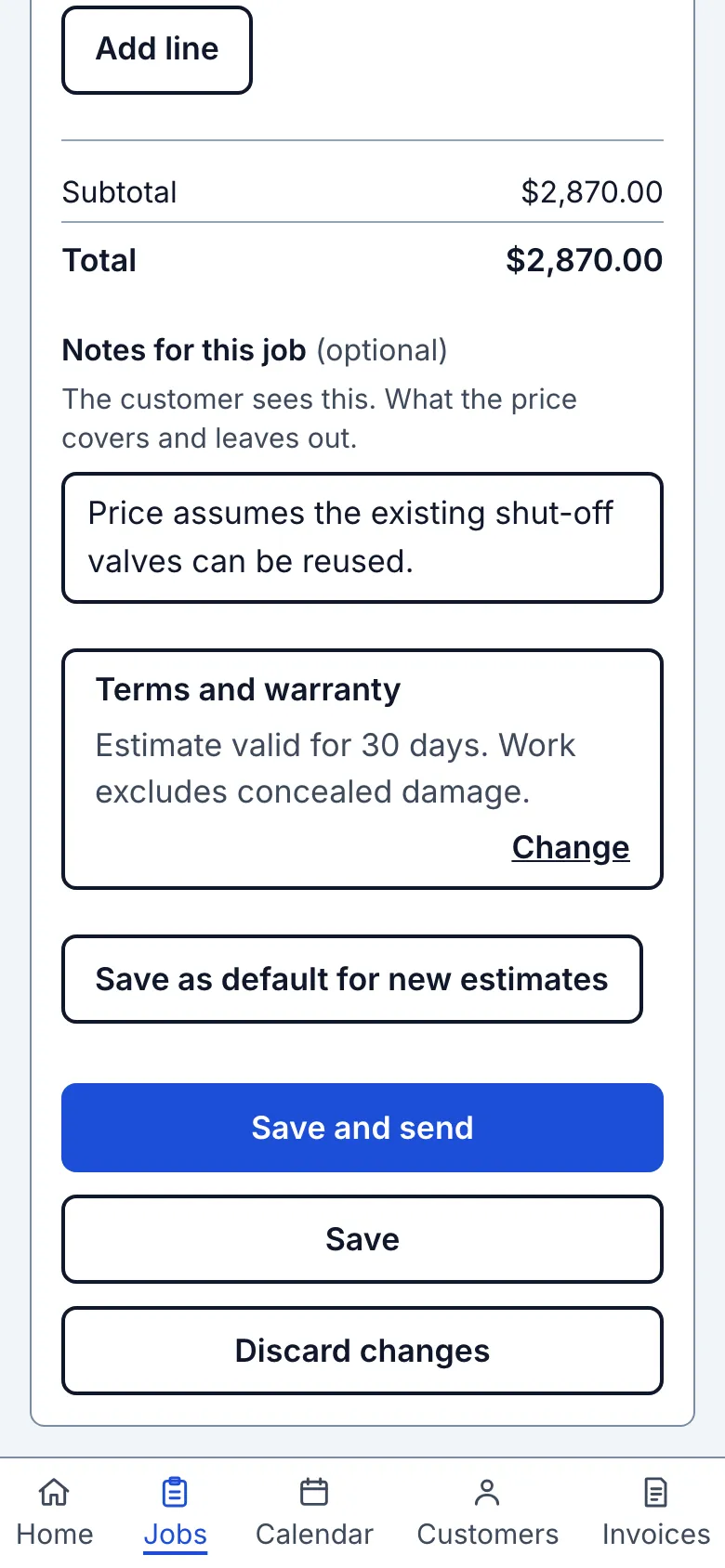
Below Total, use Notes for this job (optional) to describe what this price covers or leaves out. The customer sees it. Terms and warranty starts with your estimate default, or None until you set one. Tap its Change or Add row to open the whole text and edit it. You can paste several paragraphs; the field grows and keeps line breaks. Save as default for new estimates changes only the terms offered on future estimates; it does not save this estimate. Check the result line before leaving. Nothing in either field changes the total.
Check Total before saving. If sales tax is set up, use Taxable on each line and Tax to select the rate. Use the tax setting rather than entering tax as a line. With a rate chosen, the customer sees Taxable beside each ticked line with an amount and what the rate was charged on under its name. A $0.00 line shows no word. To send an estimate without a tax row, choose No tax.
What you see after
The form shows the Total before you save. The estimate remains unsaved until you choose a save action.
Limits
An estimate has at most 50 lines and each description at most 500 characters. Decimal quantities and a zero price are allowed; negative prices are not. Save the estimate to keep it.
When it goes wrong
If a line is incomplete, the total says Total so far and tells you which line is not counted. Finish that line before saving.
Still stuck? Email support@getstraightedge.com