Save an estimate
Who can do it
Owners.
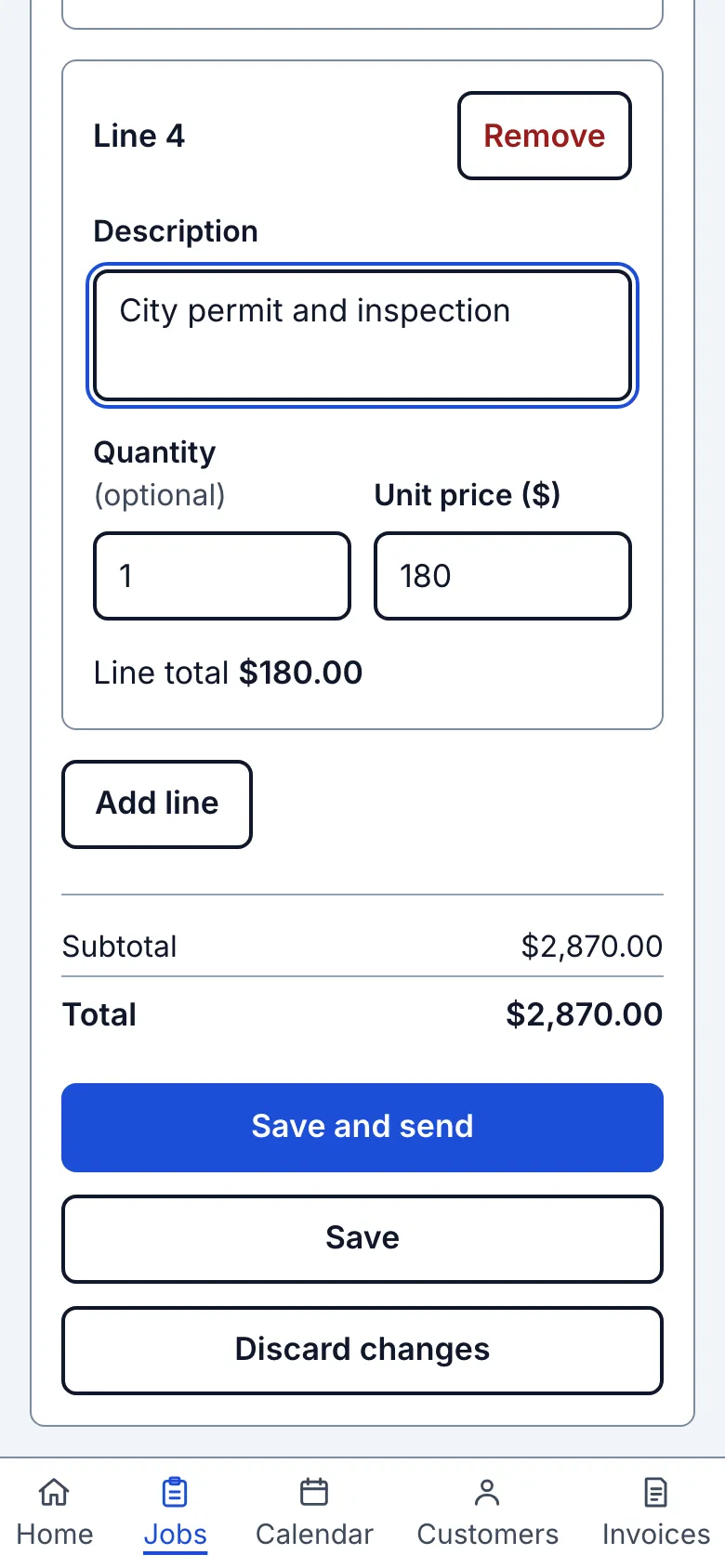
1. Choose where to go after saving
Choose Save and send to save and open the Send screen, or Save to open the estimate for review.
What you see after
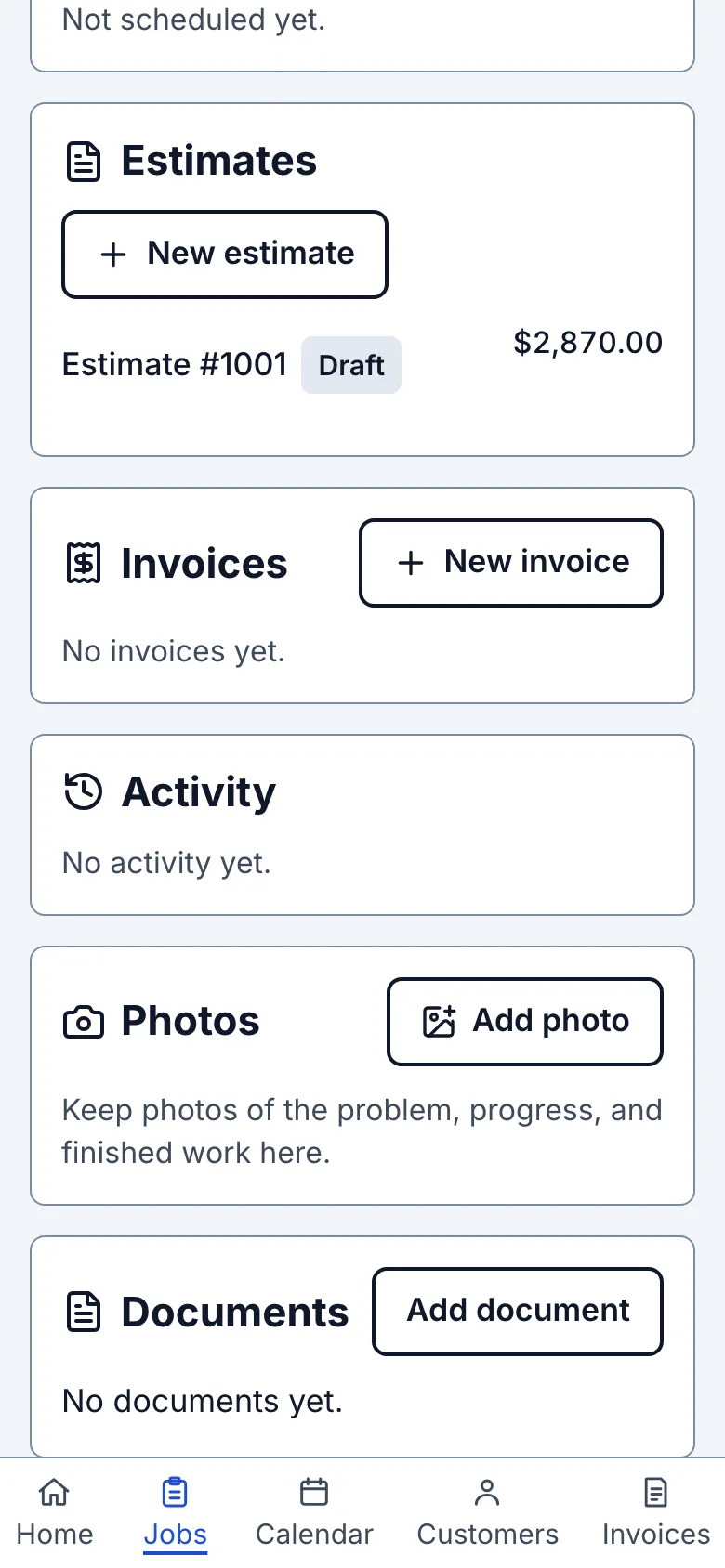
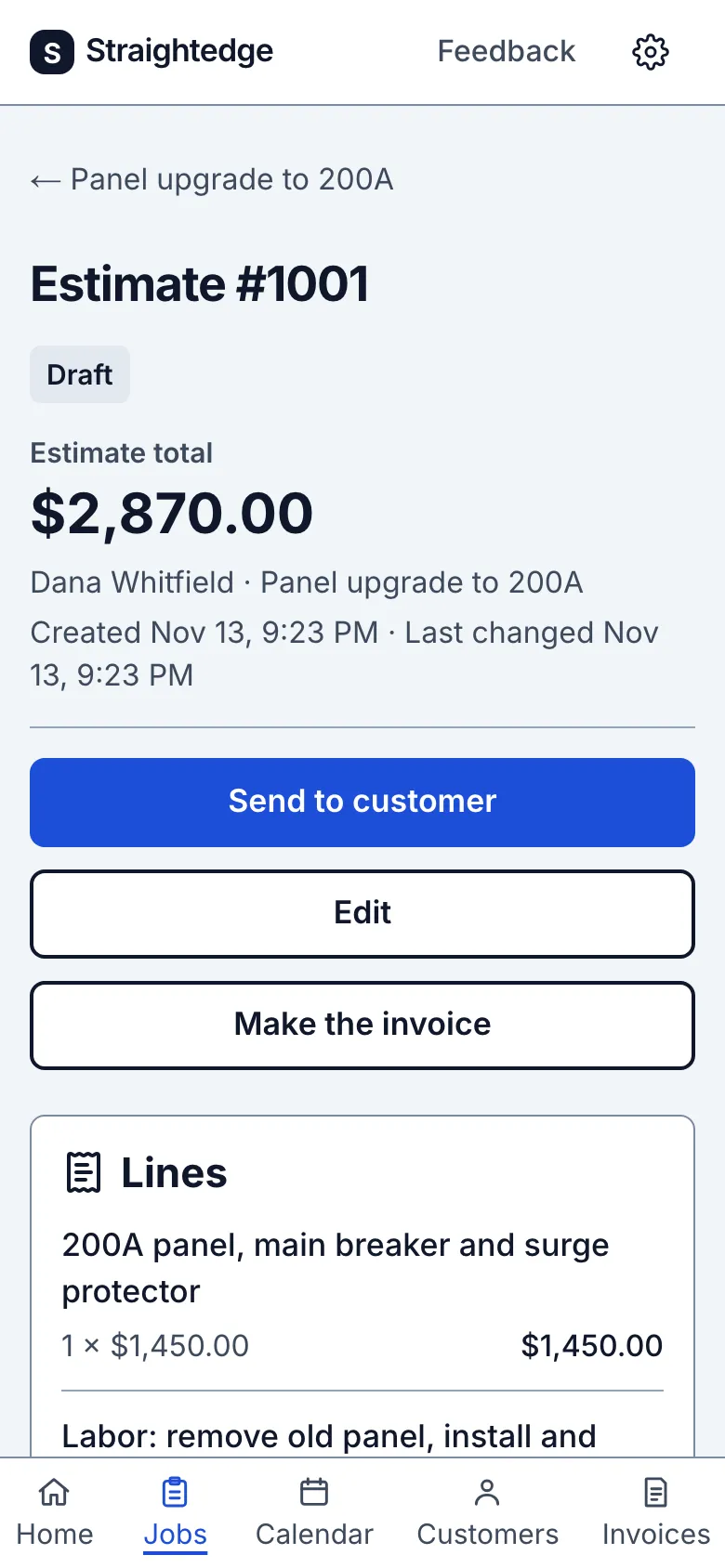
The saved estimate starts as Draft. Estimate total leads the page above its lines. Its page offers Send to customer, Edit and Make the invoice.
Limits
Saving does not send a message. Send the estimate when it is ready for the customer.
When it goes wrong
If the form says Estimate not saved, correct the listed line and save again. If it says Estimate: save not confirmed, check the job's estimates before retrying.
Still stuck? Email support@getstraightedge.com