Print or save as PDF
Who can do it
Owners.
1. Print or save as PDF
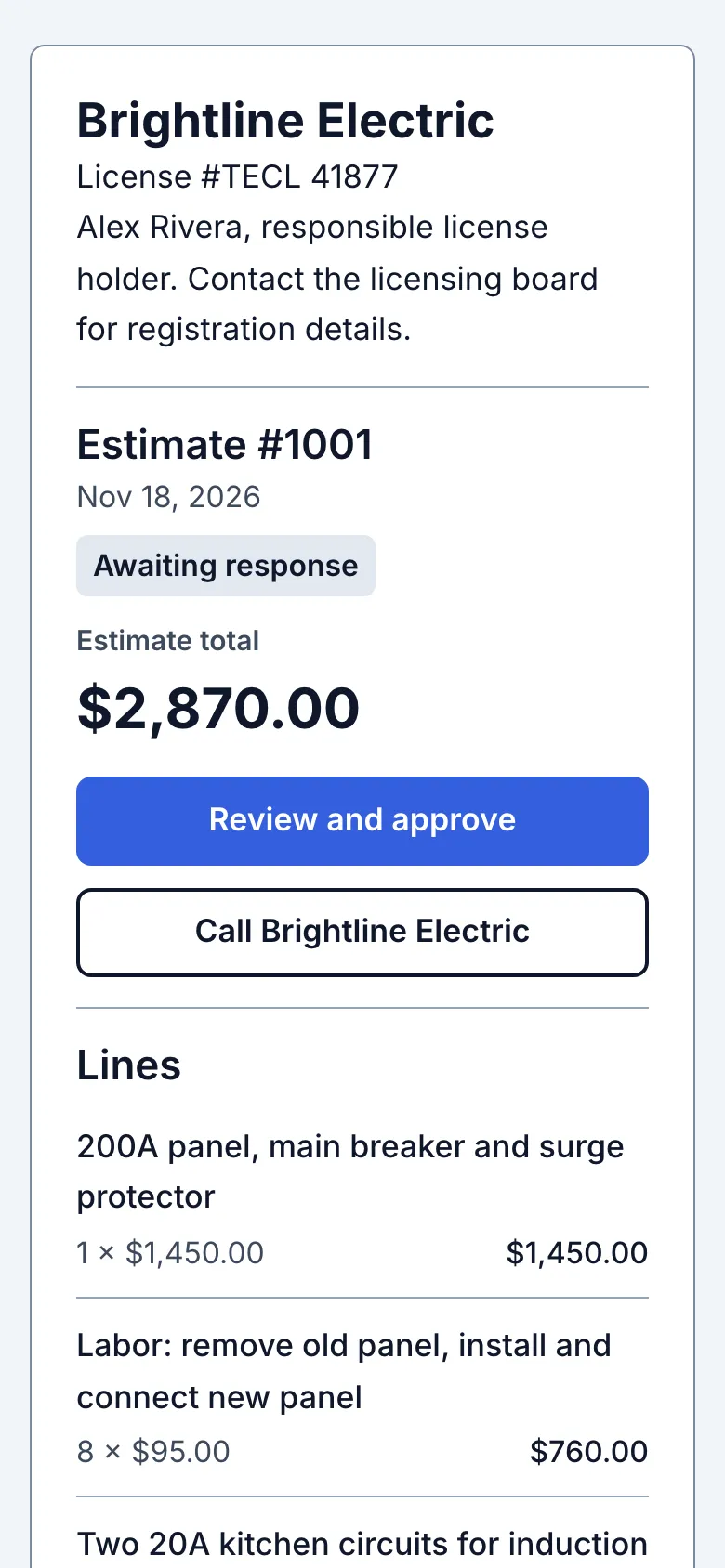
Notes and Terms and warranty print in full after the lines and totals, before Photos. Long wording can continue on the next page without being shortened. License number and License details print under the business name at 12-point size at 100% scale. Check your browser's print preview and paper size before printing. An approved copy uses the wording recorded with that approval; the business identity lines still follow Settings.
Every customer page has a Print or save as PDF button, for customers who want a copy for their records or their insurance. The buttons themselves don't print.
Chosen photos print in a two-column grid with labels and captions. Wait for the photos you want to print to load. Failed photos are not automatically loaded for printing; tap Tap to load first.
Still stuck? Email support@getstraightedge.com