Record an estimate answer
Who can do it
Owners.
1. Open the response controls
Open the estimate and find Customer response.
2. Record what the customer said
Choose Accepted or Declined when the customer answers by phone or in person. If you are replacing an answer given from the link, confirm the choice in the dialog.
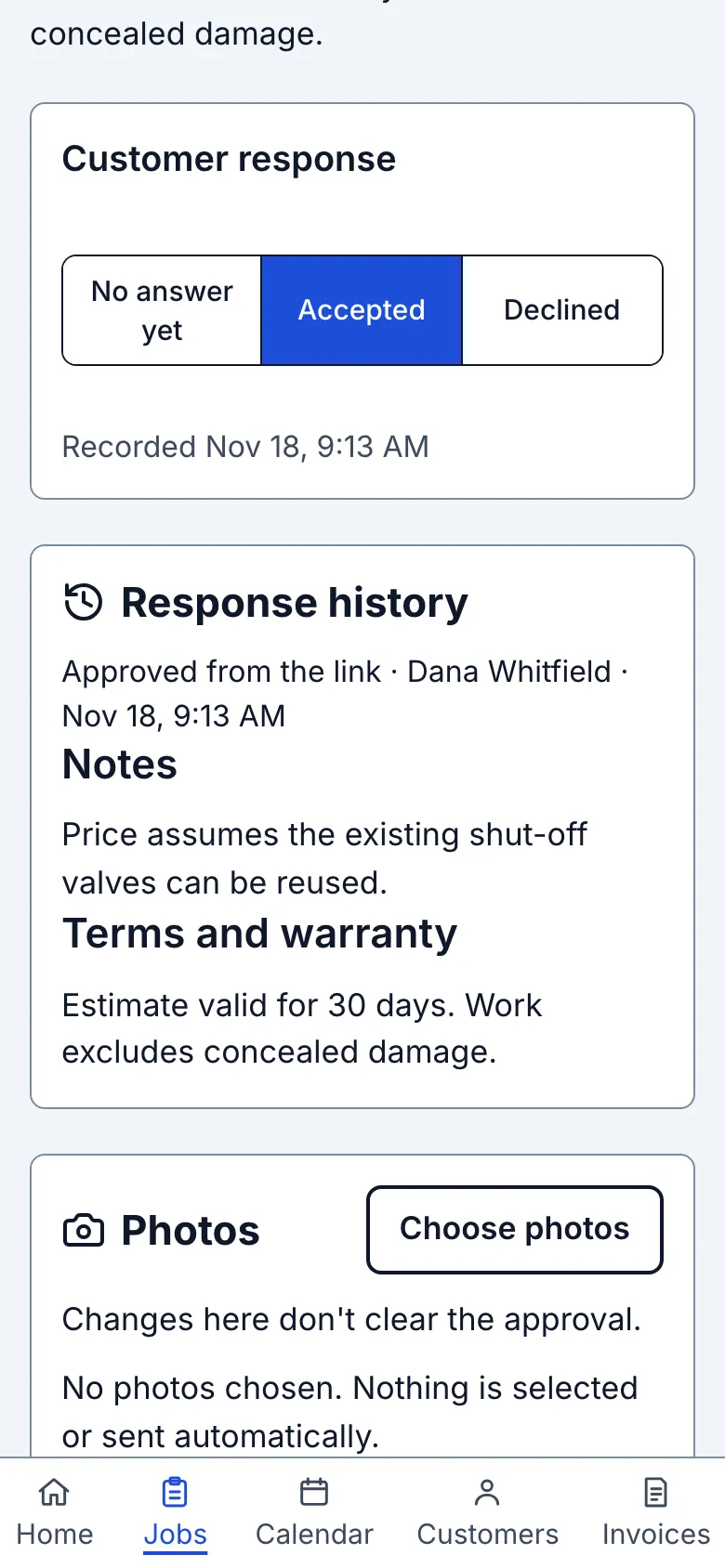
What you see after
The estimate shows Accepted or Declined with the recorded time. Response history retains each change.
Limits
An owner-recorded answer is separate from an answer submitted from the link. Use No answer yet to clear an answer; that change is also kept in history.
When it goes wrong
If you see Could not save the customer's response, try again. The previous answer is restored.
Still stuck? Email support@getstraightedge.com