The invoice page
Who can do it
Owners.
A payment made with Stripe Link shows as "Stripe Link", including in QuickBooks. The customer's invoice link calls it "Link".
1. The invoice page
Below Lines, Notes and Terms and warranty show the text frozen when this invoice was saved. Empty blocks are absent. These are separate from live payment instructions. If you forgot a serial number or the terms are wrong, do not add a line or try to edit the saved text: void an eligible unpaid invoice and make a new one with the correct wording. A void invoice keeps its original text and number.
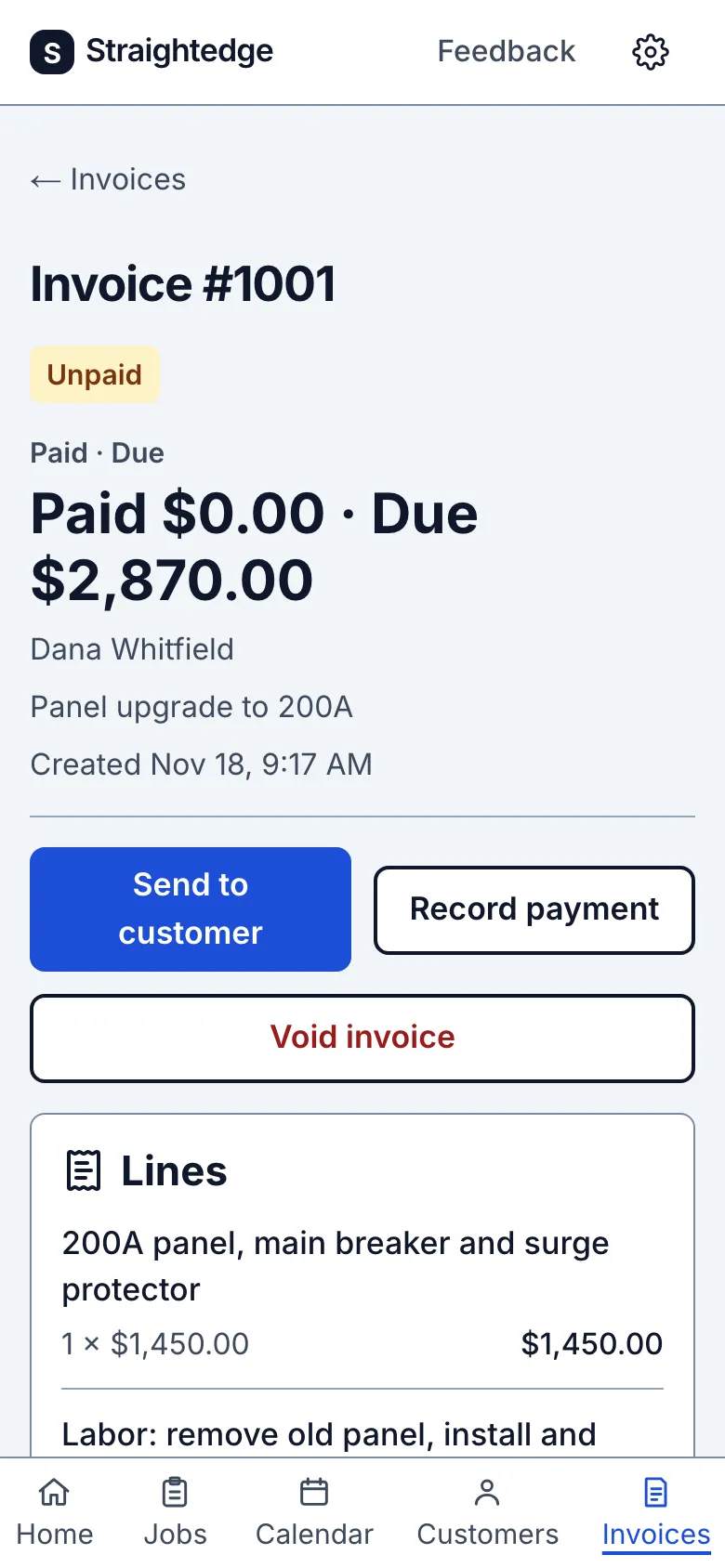
The invoice shows who it's billed to, the job, the Lines section with its bold Total row, with Send to customer, Record payment and, while nothing is paid, Void invoice. A Payments list sits under the lines.
2. Open the visit this invoice is for
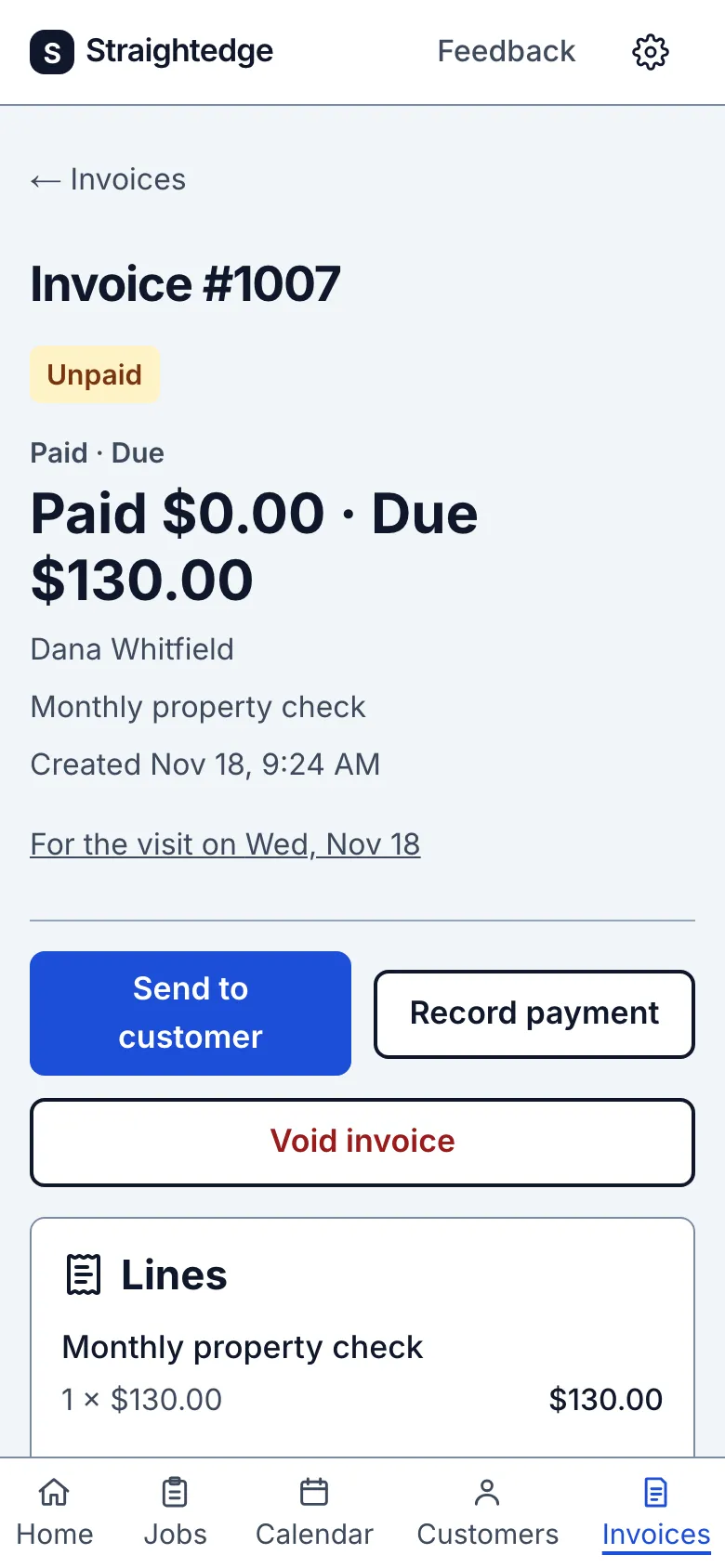
When the invoice was made from a finished visit, the For the visit on line gives that visit's scheduled date in the business time zone. Tap it to open the visit. A job-level invoice has no visit line. This is an owner link; it is not added to the customer's invoice, PDF or email.
Limits
The badge at the top says Payment processing while a customer's bank payment is waiting for the bank; the Paid and Due amounts don't count it until it clears. Payments a customer made online appear in Payments with the card's last four digits or Bank transfer and have no Remove payment. See When a customer pays online.
Still stuck? Email support@getstraightedge.com