See what came in and who owes you
Who can do it
Owners.
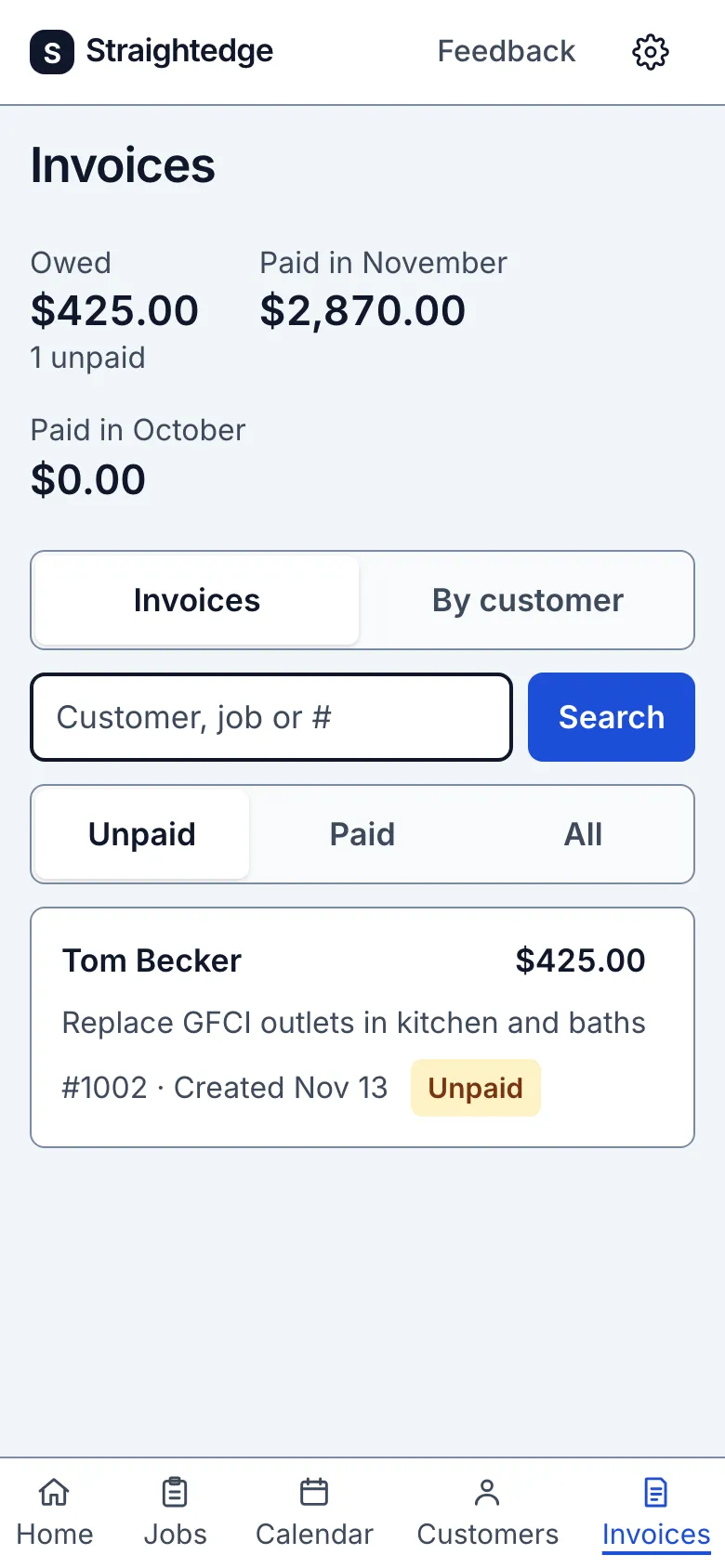
1. See paid and owed
Open Invoices. Owed is the balance on unpaid invoices, including ones partly paid. The two Paid in month figures show successful payments received this month and last month in your business time zone. They follow the payment date, even when the invoice was created earlier.
2. See who owes you
Tap By customer to group unpaid invoices. Each row shows that customer's balance, invoice count and how many days old the oldest invoice is. Age starts when the invoice was created; it is not a due date.
3. Open a customer's invoices
Tap the customer row to see their unpaid invoices, their name and their own owed total. Choose All to include paid and void invoices, newest first; Unpaid returns to unpaid invoices, oldest first. Tap Invoices to return to the full list. Your browser's Back button returns to the grouped view. From the customer page, View invoices opens All and Back to the customer returns to their record.
What you see after
With no invoices, the numbers show zero and No invoices yet. With no unpaid invoices, the page says Nothing owed and hides By customer.
Limits
Historical months before the payment ledger began on 1 November 2026 are approximate. These figures do not include pending payments, job costing, time tracking or QuickBooks reconciliation. There is no export or custom date range.
When it goes wrong
If the page cannot load, reload it and try again. Your invoices and payments remain saved.
Still stuck? Email support@getstraightedge.com