Void an invoice
Who can do it
Owners.
1. Open the void review
Use this same correction when the saved notes or terms are wrong, including a forgotten serial number. Invoice lines, notes and terms cannot be changed after saving. Read the void consequences before confirming. The old invoice keeps the original wording; make a new invoice with the corrected text and share the new link. If a payment prevents voiding, resolve the payment record first; an online payment must be handled through its payment provider.
On an unpaid invoice, tap Void invoice. The review names its number, amount, source estimate and any shared link. Tell the customer yourself if you shared it.
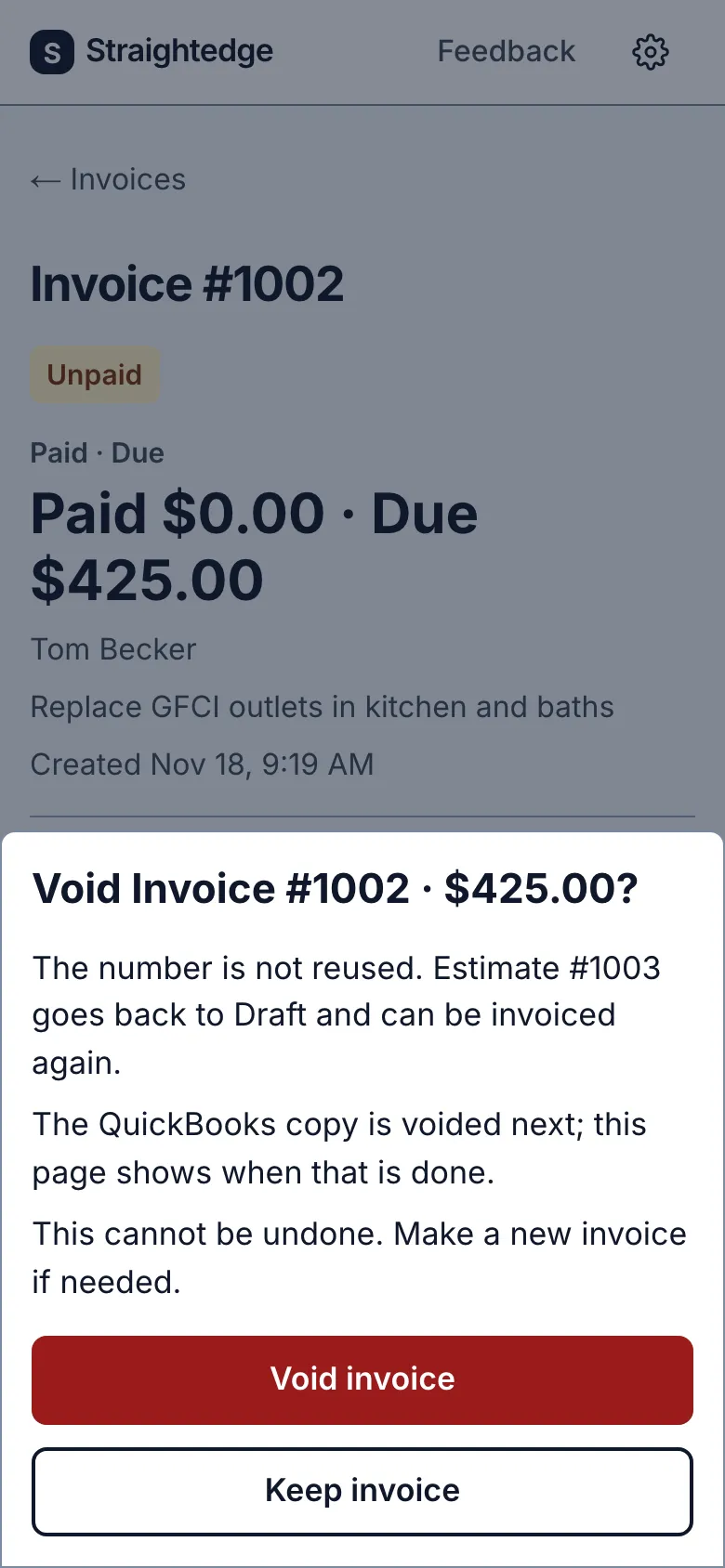
2. Confirm the void
Tap Void invoice in the review. The invoice remains in the record with its number; the source estimate can be invoiced again when eligible.
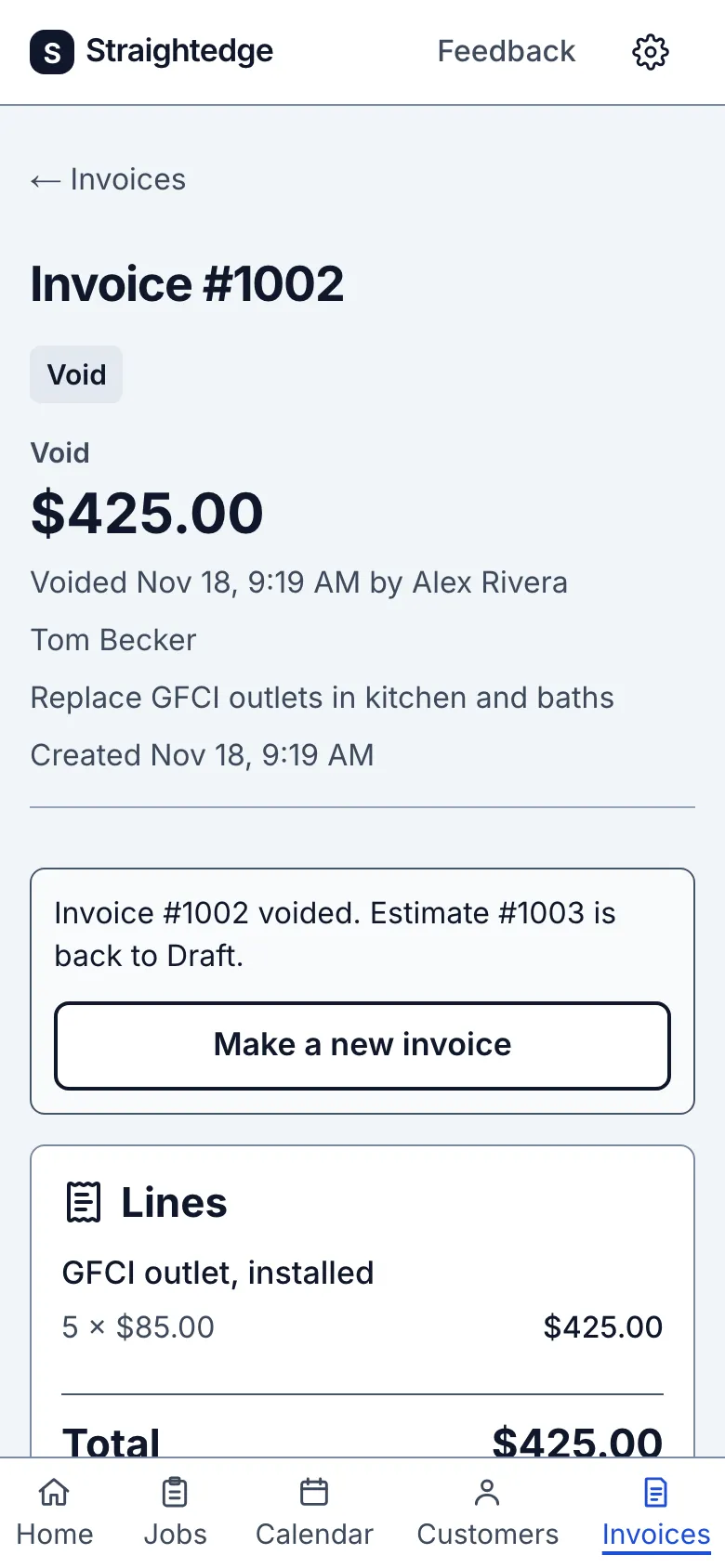
3. Return to the visit
For a visit's invoice, tap the For the visit on link after voiding. The void invoice keeps its visit and number in history, but the visit can be invoiced again when eligible. Read the refreshed finished block before making another invoice; the earlier eligible estimate or last live invoice may now be the source. Voiding a job-level invoice does not assign it to a visit.
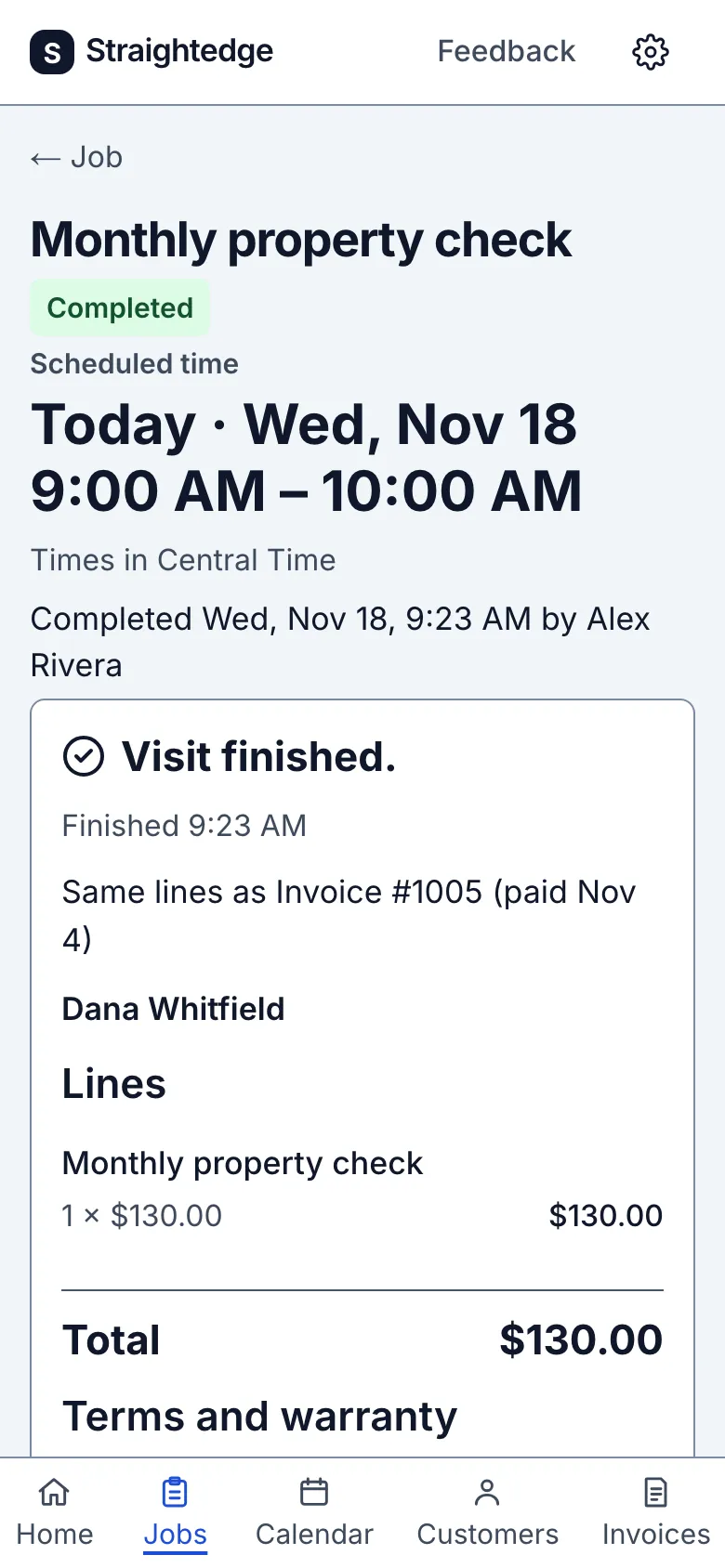
What you see after
The invoice says Void and its customer link says Voided. Make a new invoice starts another invoice; the old number is never reused.
Limits
You can void only an unpaid invoice with no active or pending payment and no QuickBooks payment removal outstanding. Void cannot be undone. Voiding stops any scheduled payment reminder. The app does not notify the customer.
When it goes wrong
If the QuickBooks copy could not be voided, the invoice shows the failure and Retry sync. A QuickBooks payment may need removing there first.
Still stuck? Email support@getstraightedge.com